Advanced
Restoring Data
The process of restoring data is very similar to
deleting data using the icons along the top of the
screen.
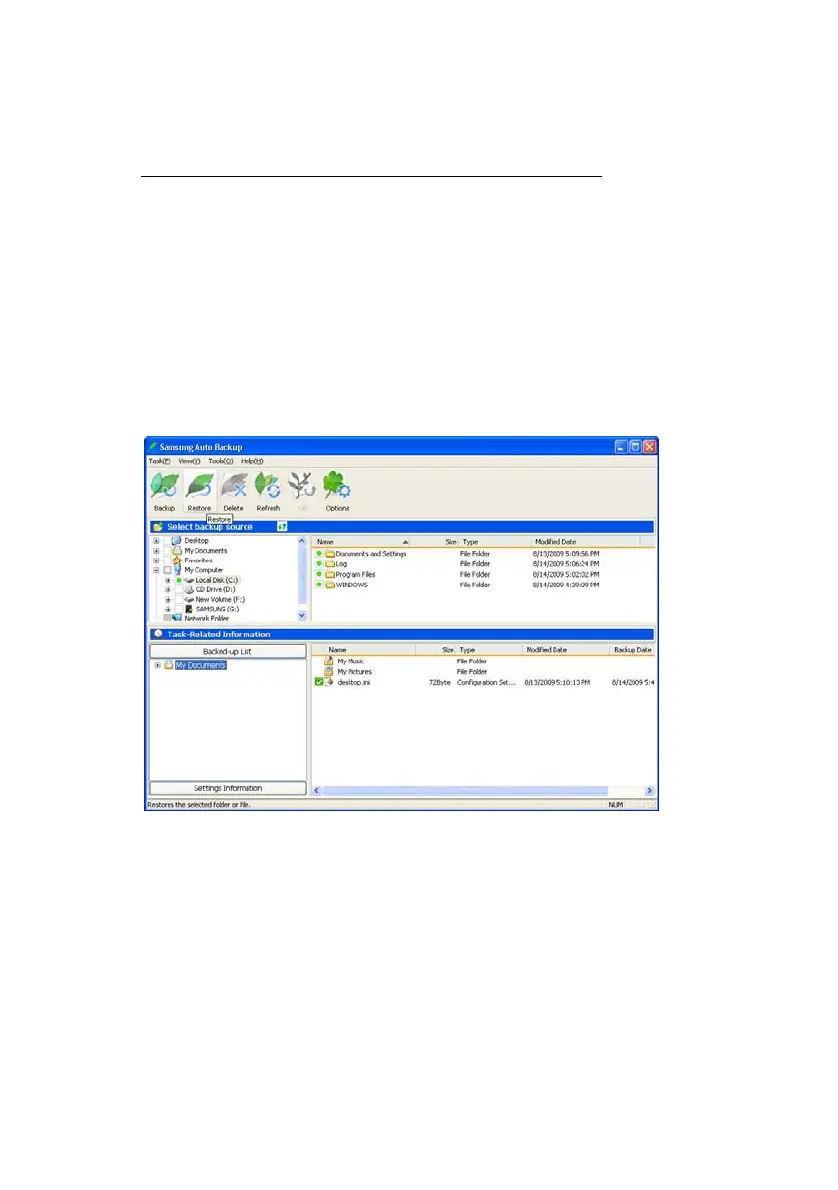
From the Icons along the top of the screen:
1.
Click Restore
Figure 7-9 From the icons along the top, click Restore
The default restore location is the original location
from where the files were deleted.
From the Restore Data screen, choose the Restore
Location.
2.
Click Next>>
Samsung Auto Backup User Manual Ver 2.0
57



 To Next Page