Advanced
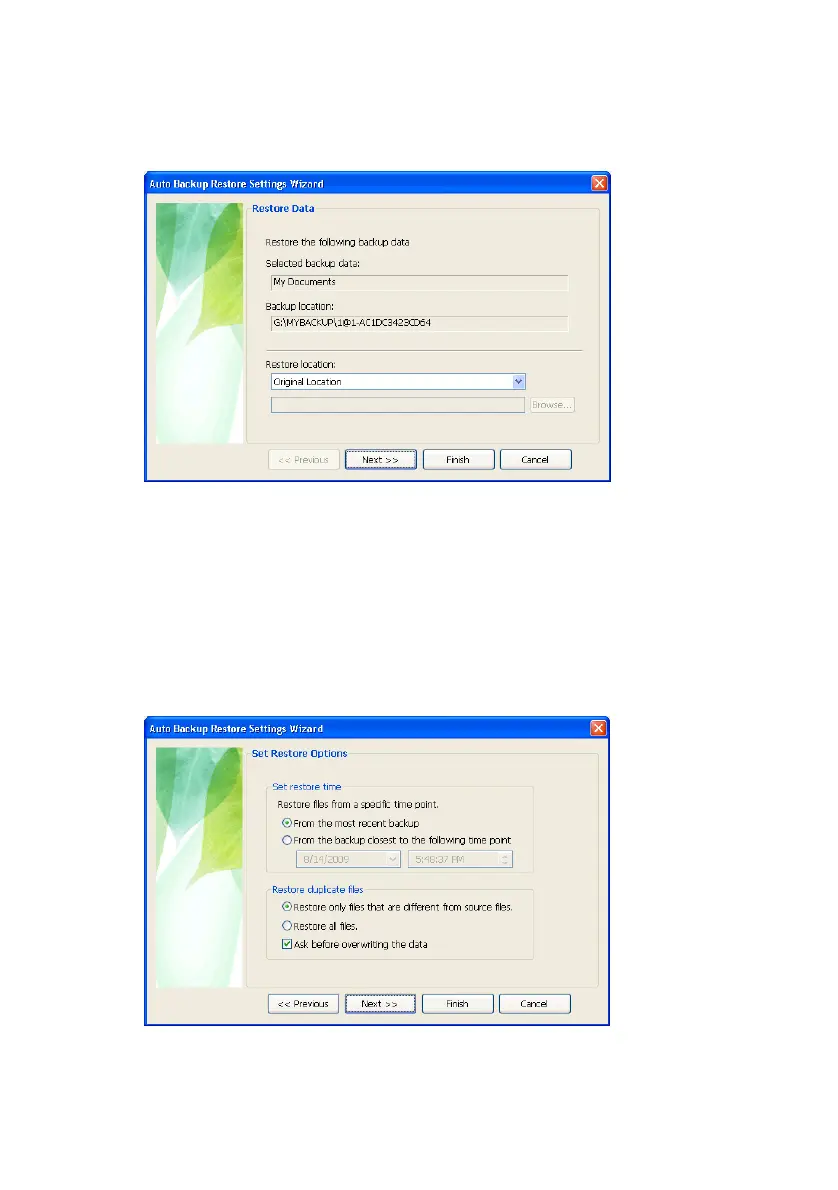
Figure 7-10 Restoring data
From the Set Restore Options screen:
3.
If you have a particular time that you would like
restored, choose From the most recent backup
There is an option to restore duplicate files as well
however, for the purpose of this manual, we will
restore from the most recent backup.
4.
Click Next>>
Figure 7-11 Set Restore Options
Samsung Auto Backup User Manual Ver 2.0
58



 To Next Page