Managing Data
Starting Data Management
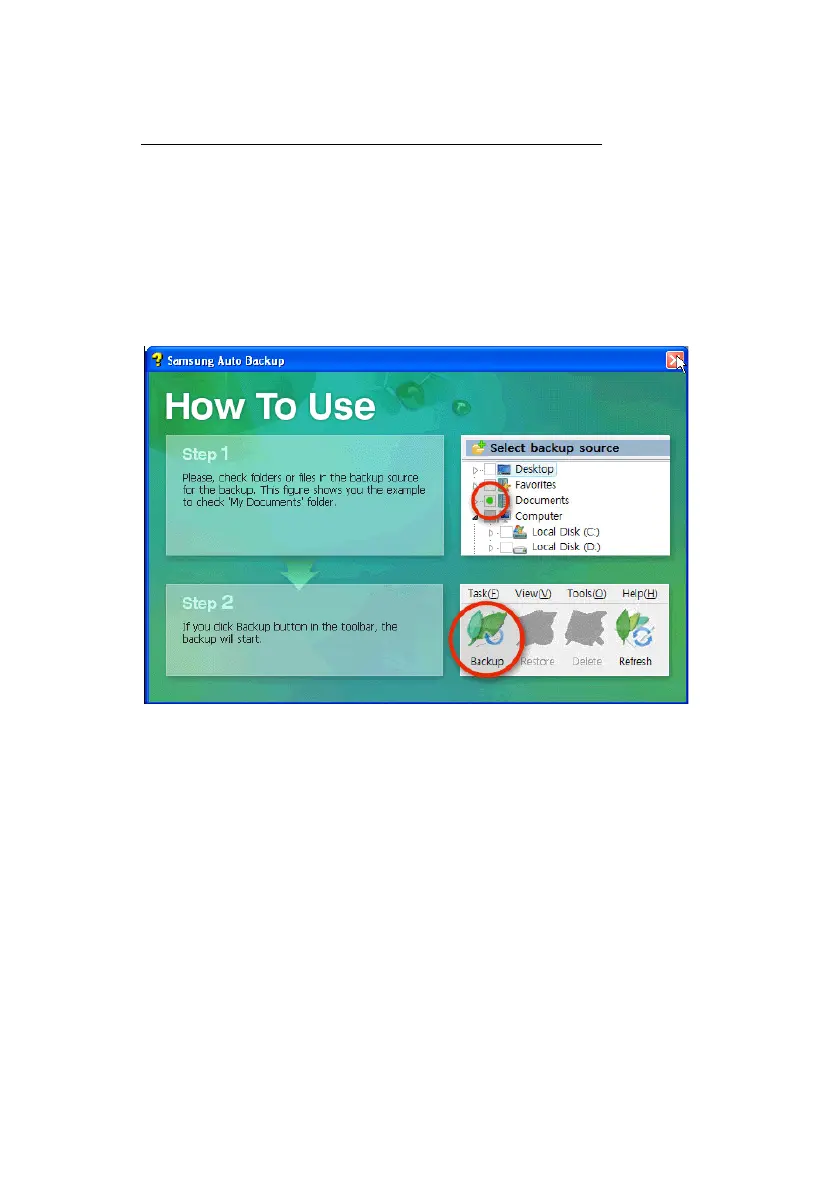
After you have finished with the setup, the How To
Use splash screen appears. Close this as you would
with any Windows program by clicking the
X in the
upper right-hand corner of the screen.
Figure 6-1 “How To Use” Splash Screen
Samsung Auto Backup User Manual Ver 2.0
37



 To Next Page