Managing Data
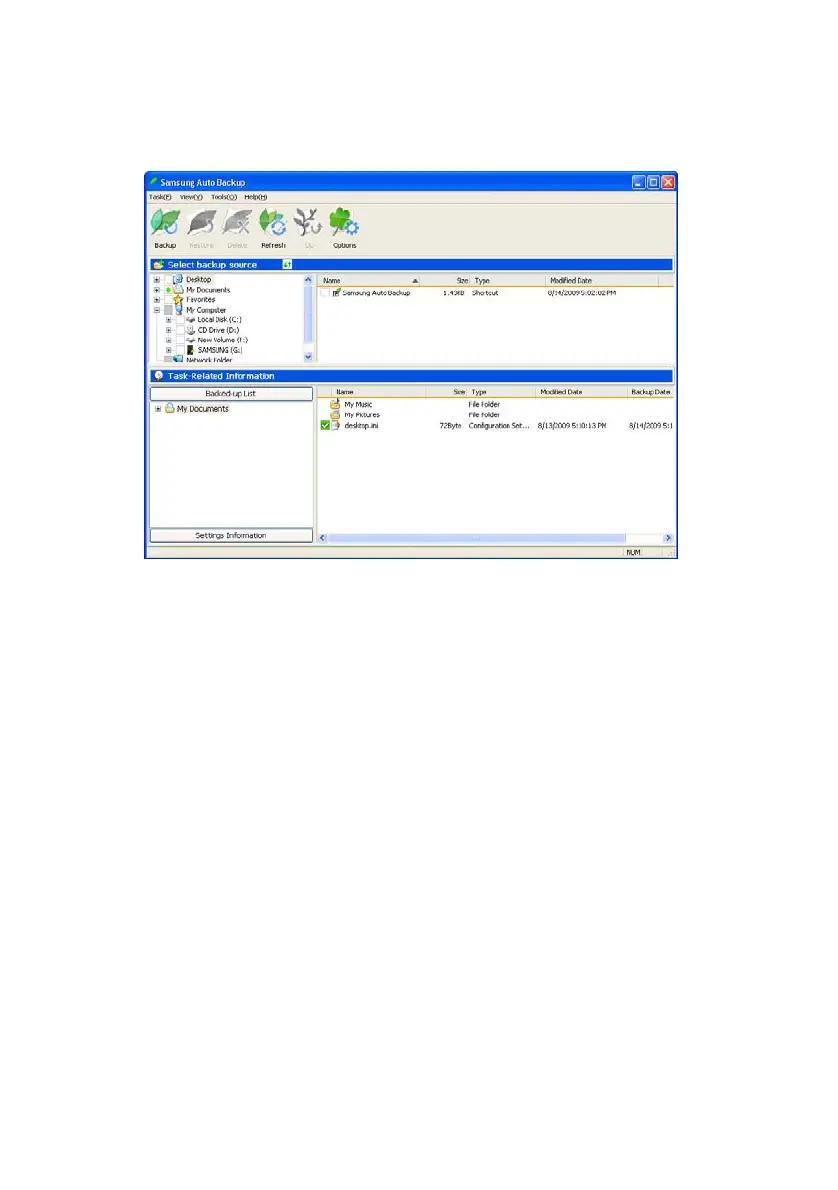
Figure 6-4 Samsung Main Backup Screen
Menu Bar
The menu bar is located at the top of the main screen.
It contains several menus such as Task, View, Tools,
and Help.
• Task
Used to perform backup, restoration, deletion, etc.
• View
Used to control the look of the program windows.
• Tools
Used to set various options such as backup options, backup
device, network connection, update, integrity check, and
migration.
• Help
Display help.
Samsung Auto Backup User Manual Ver 2.0
40



 To Next Page