Managing Data
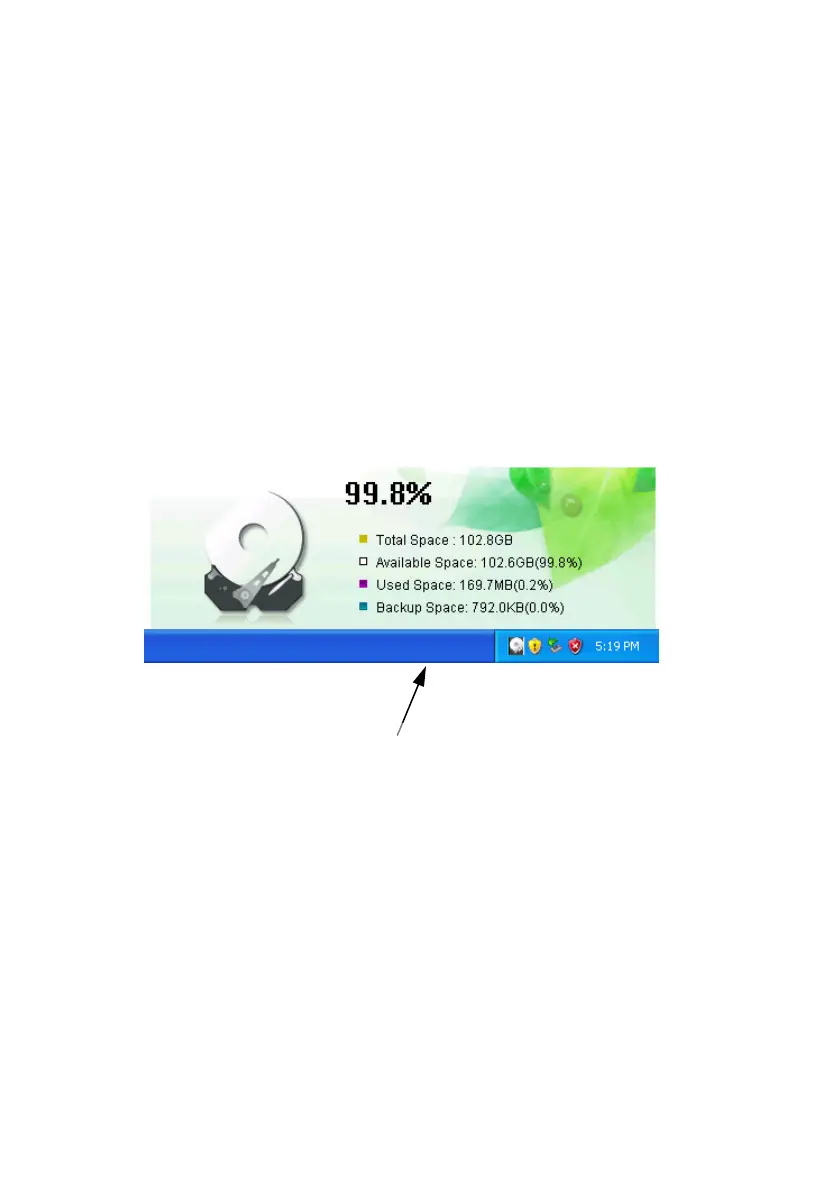
Disk Space Information
While the Samsung Auto Backup is running, an Auto
Backup icon, placed in the task bar, keeps track of
information about the backup device, including used
space and backup space.
Double-clicking this icon will display the Total Space,
Available Space, Used Space, and Backup Space on
your Samsung External Hard Disk Drive.
To minimize the Disk Information window, click
anywhere on the display.
Figure 6-3 Icon in Windows Tray
Click this icon to show
The disk drive’s space information
Samsung Auto Backup Main Screen
The main screen is where you make any changes or
modifications with your backup configuration.
Samsung Auto Backup User Manual Ver 2.0
39



 To Next Page