Managing Data
If the directories in either the source or destination window has
changed, click Refresh to view the changes in either window.
• Up
If you are currently looking at a sub-folder (a folder under
another folder), click Up to take you back to the previous folder.
• Options
Allows you to change the options setup when the program was
first installed.
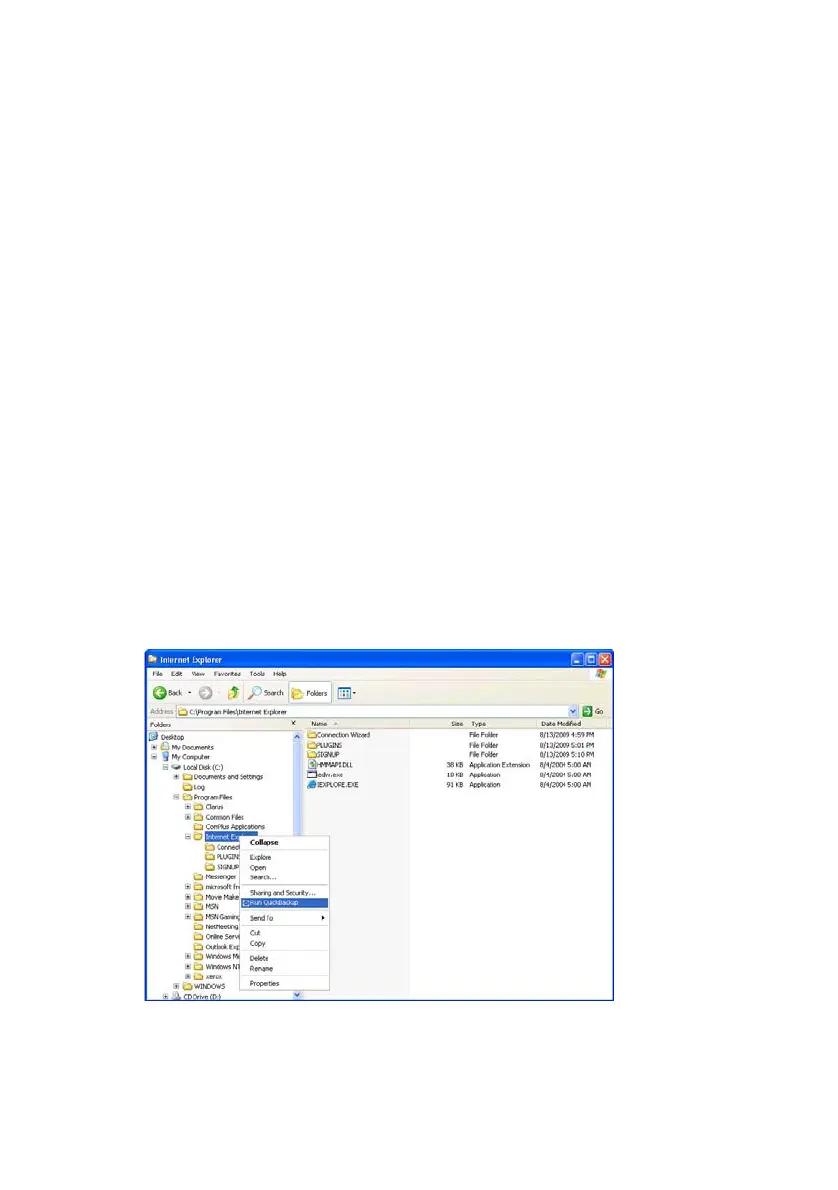
Quick Backup
The QuickBackup function allows users to use the
backup system from Windows Explorer.
From your Windows Explorer:
1.
Right-click on the folder or file to have backed up
2.
Choose Run QuickBackup
Figure 6-7 Selecting QuickBackup Source
Samsung Auto Backup User Manual Ver 2.0
44



 To Next Page