Managing Data
Files and folders are automatically saved as a backup
source that you defined during setup.
3.
When the backup has finished, click Exit
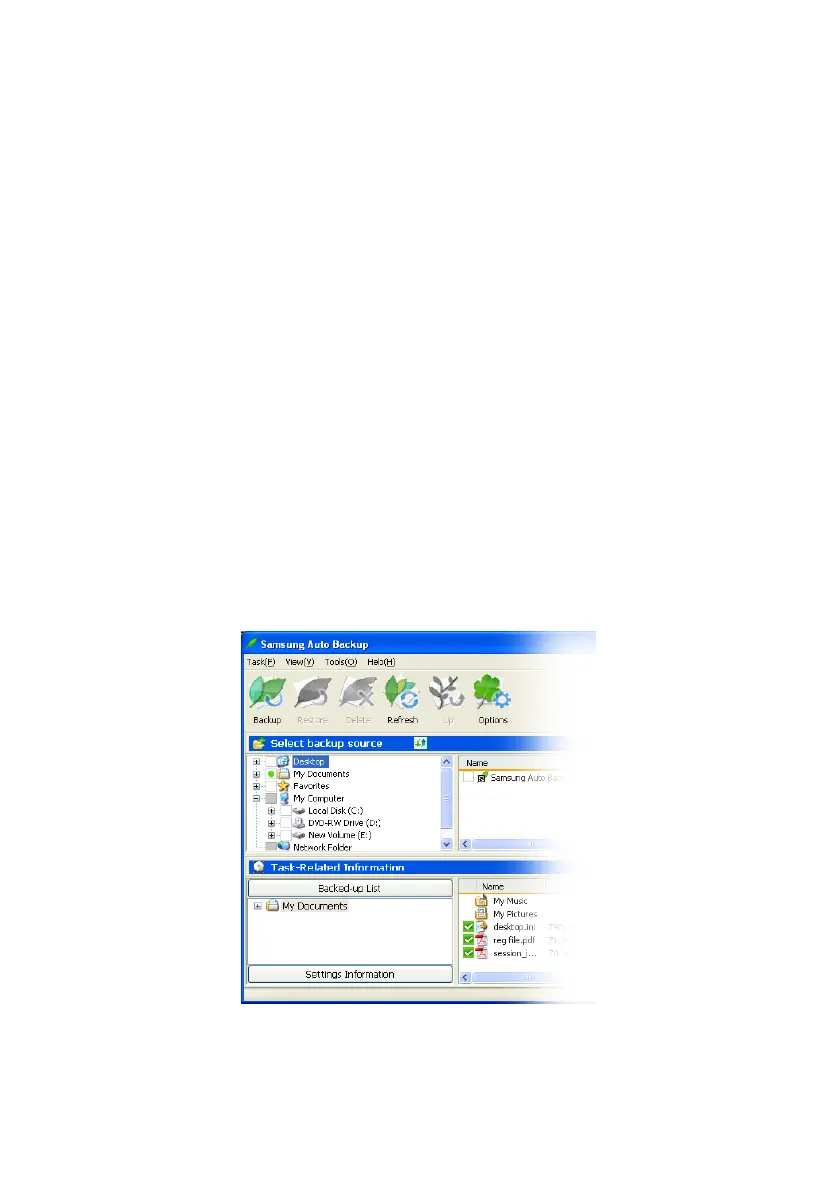
Viewing Backup Results
You can see the results of the backup process after
performing manual or scheduled backups.
To view detailed backup results, from the Task Related
Information window:
1.
Click the Backed-up List bar under the Task Related
Information window
2.
Click on a folder in the Backed up List
You can also check the detailed backup results from
the Settings Information Windows by clicking:
3.
Settings Information bar -> Task Log icon
Figure 6-8 Settings Information Window
Samsung Auto Backup User Manual Ver 2.0
45



 To Next Page