Advanced
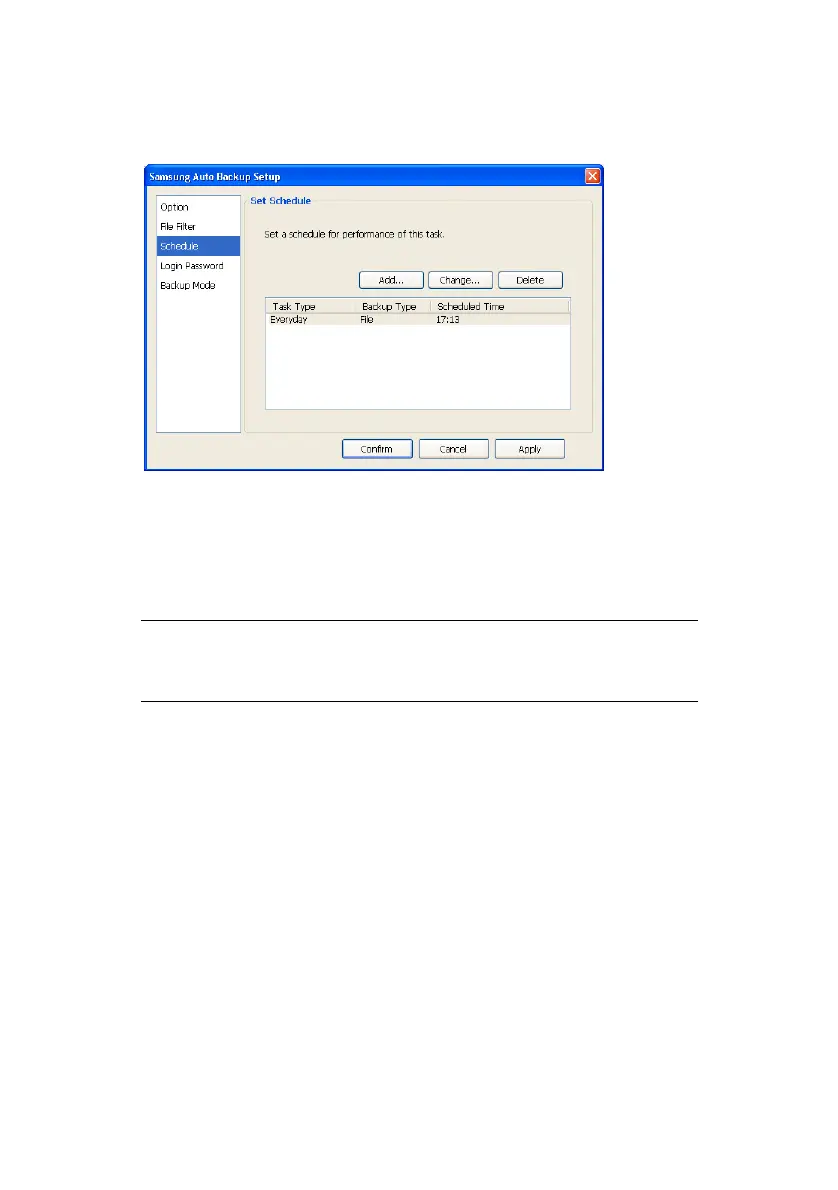
Figure 7-3 Schedule
Login Password
From this window, you can set a password for
the backup program. This will prevent
unauthorized persons from accessing your data.
NOTE: YOU MUST REMEMBER YOUR PASSWORD.
IT IS REQUIRED WHEN YOU START THE
PROGRAM
It is always good to change the password on a
regular schedule. From this screen, you can
change the password by performing the
following:
1. Click in the Current Password: box
2. Enter the current password
3. Click in the New Password box
4. Enter a new password
5. Click in the Confirm New Password: box
6. Reenter the password
7. Click Apply -> Confirm
Samsung Auto Backup User Manual Ver 2.0
51



 To Next Page