Installing the Software
Startup Screen
From the Samsung External Hard Disk Drive:
1.
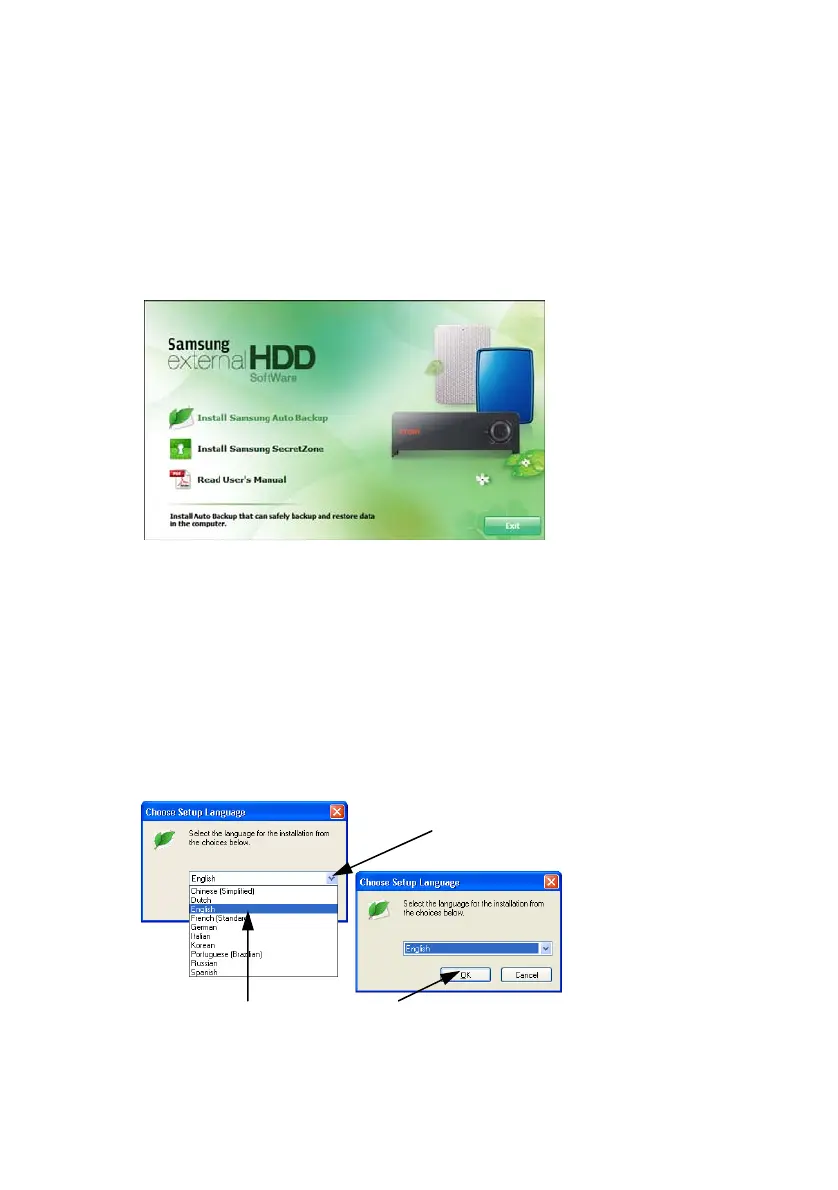
Click Install Samsung Auto Backup
Figure 4-3 Samsung External Hard Disk Drive Setup Screen
Choose your Language
From the Pull-Down, choose your desired language.
1.
Click the Pull-Down Arrow
2.
Choose your language
3.
Click OK
Figure 4-4 Choosing the Language
1.Click this arrow for
the pull-down menu
2.Click on your desired
language
3.Click OK when you
are done
Samsung Auto Backup User Manual Ver 2.0
17



 To Next Page