Installing the Software
Choose the Program Folder from the Existing
Folders: where you would like to add the program icon.
The default folder is the Windows Accessories.
7.
Click Next>>
Figure 4-8 Choose the folder for the program icon
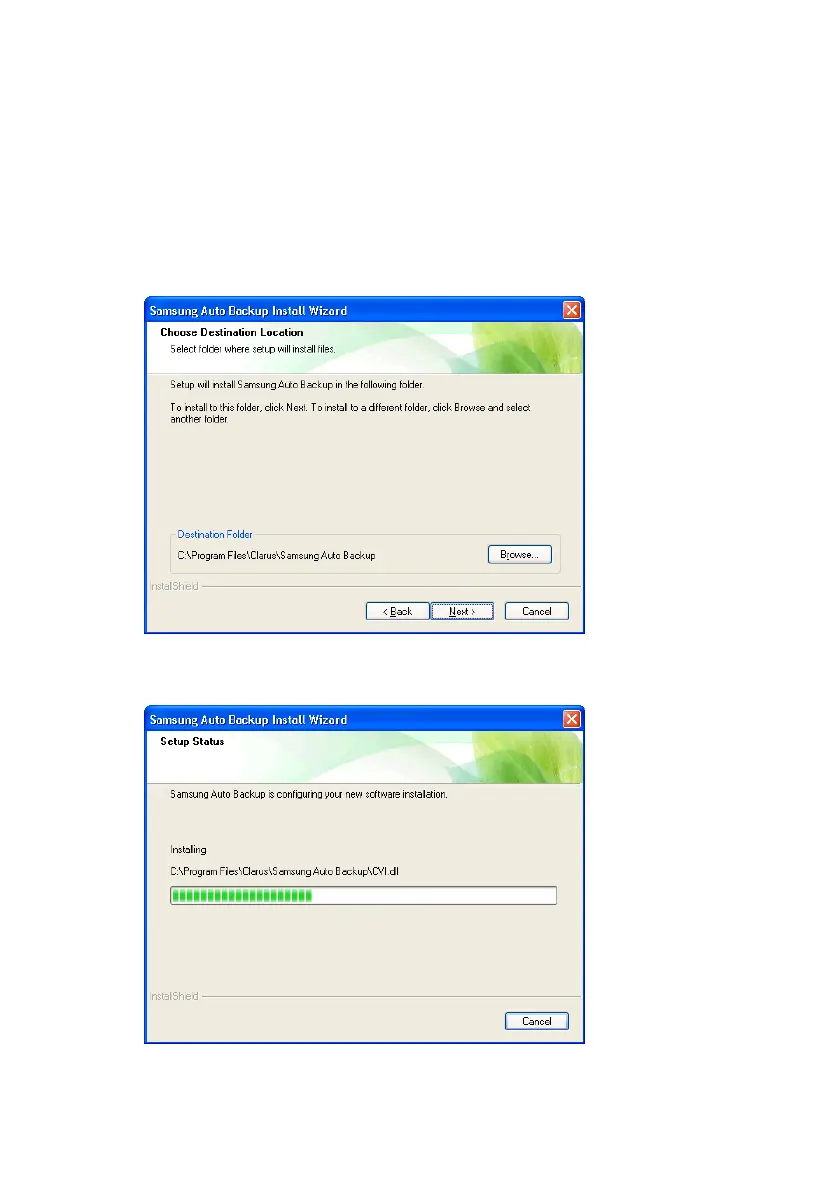
The installations progress bar appears.
Figure 4-9 Progress bar
Samsung Auto Backup User Manual Ver 2.0
21



 To Next Page