Installing the Software
Samsung Auto Backup User Manual Ver 2.0
22
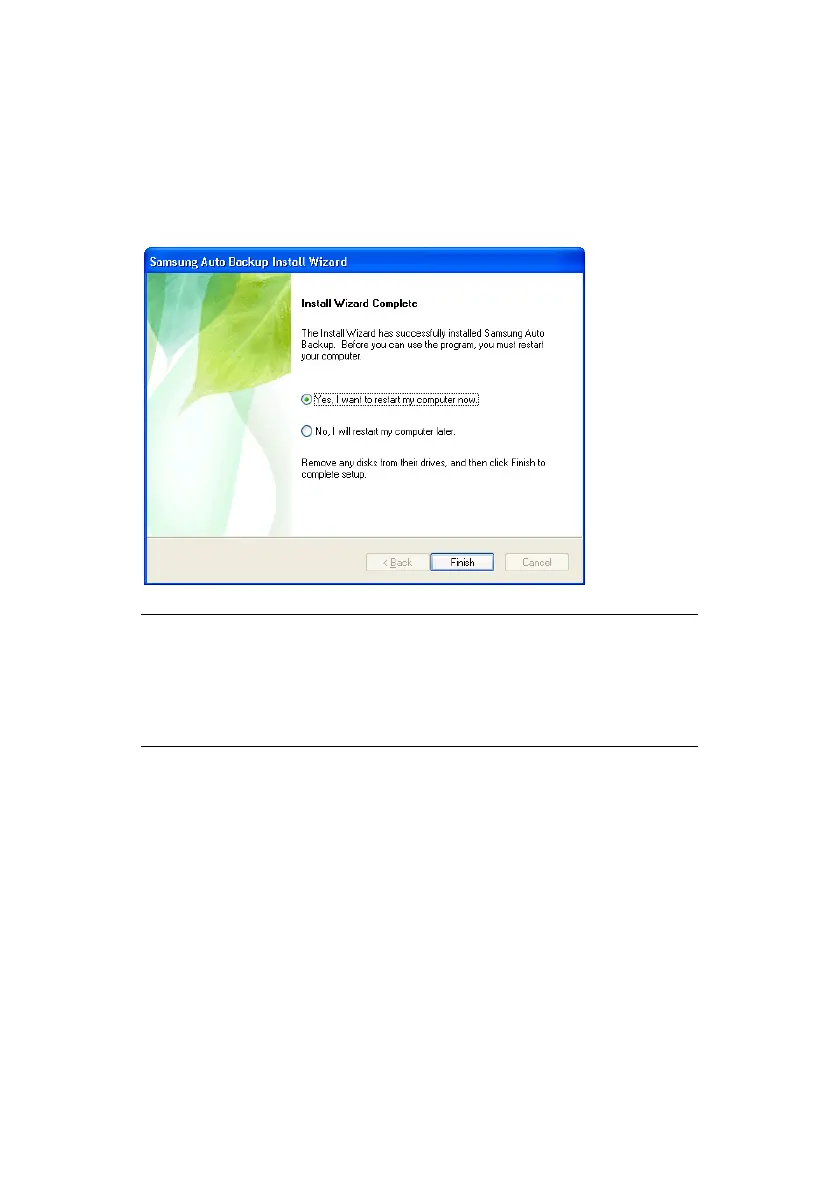
When the installation is complete, you may choose to
reboot the system now or later.
8.
After making a selection, click Finish to complete the
installation.
NOTE: IT IS HIGHLY RECOMMENDED THAT YOU
CHOOSE TO REBOOT YOUR COMPUTER SO THE
PROGRAM CAN COMPLETE THE INSTALLATION,
PLACING ICONS ON THE DESKTOP AND IN THE
TASK BAR.
You have successfully installed the software for your
Samsung External Hard Disk Drive.
The next step is to configure the software to your
exacting specifications.



 To Next Page