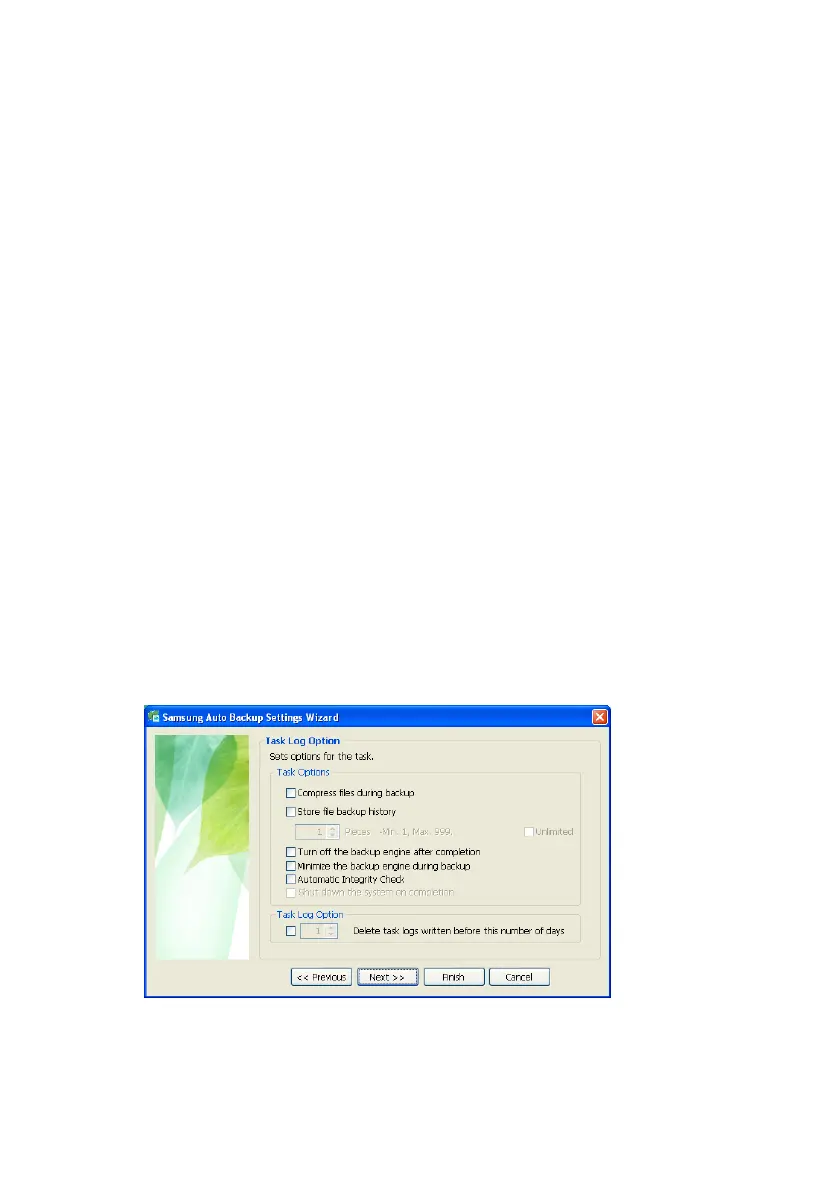
Setting up the Auto Backup
• Turn off the backup engine after completion
Turns off the backup engine automatically after completion.
• Minimize the backup engine during backup
Minimizes the backup engine to the task bar/system tray.
• Automatic Integrity Check
Automatically check whether the backup information is same as
the backup data stored on the backup device.
• Shut down the system after completion
Shuts down the computer automatically after completion.
• Task Log Option
After finishing a backup, restoration, or deletion of your data, a
log is generated. This log is maintained for the duration
specified in this window.
10.
Select your preferred options and click Next>>
Figure 5-5 Setting the Task Log Options
Samsung Auto Backup User Manual Ver 2.0
30



 To Next Page