Advanced
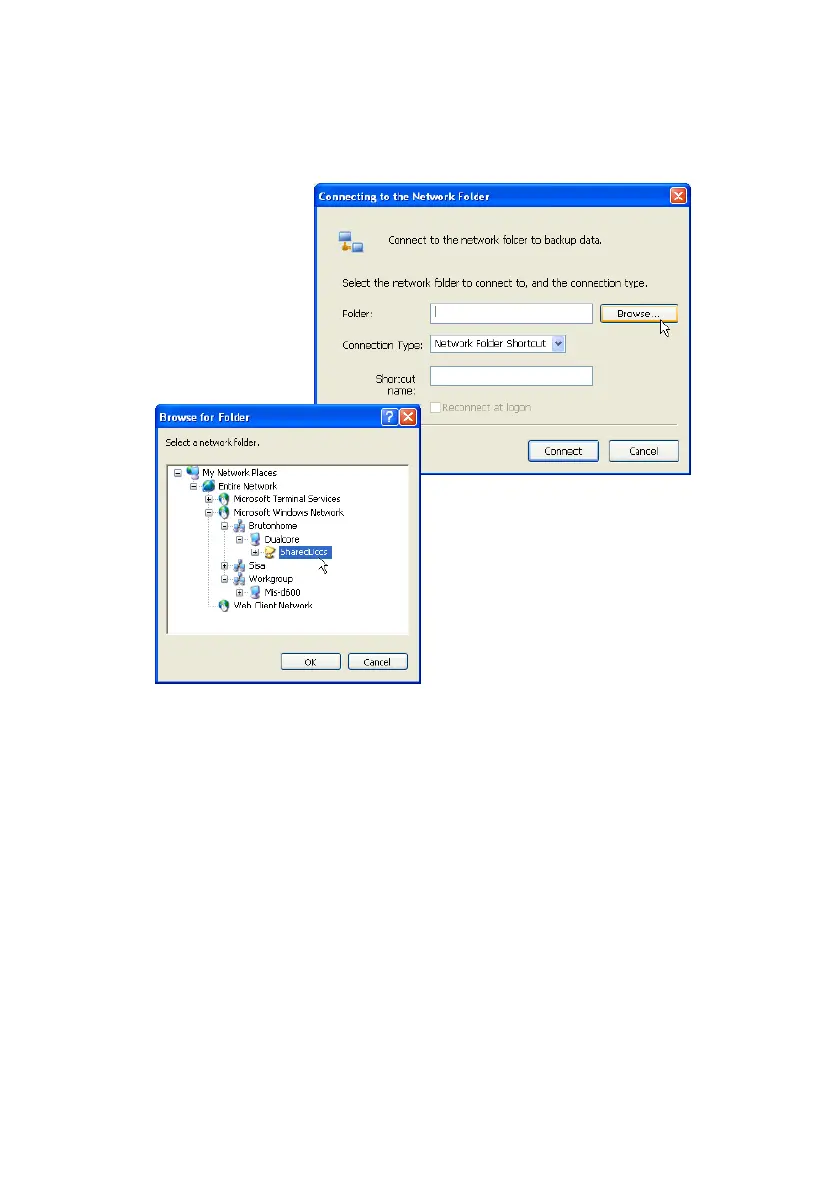
Figure 7-23 Connecting to the Network Folder
Network Drive assigns a drive letter to the network
folder to connect the corresponding folder to the
computer. Network Folder Shortcut creates a network
folder in My Network Neighborhood instead of
assigning a drive letter.
When the network folder is connected it appears in
the backup source tree.
Samsung Auto Backup User Manual Ver 2.0
74



 To Next Page