2. Panel
16
. Installation
Λ
Λ
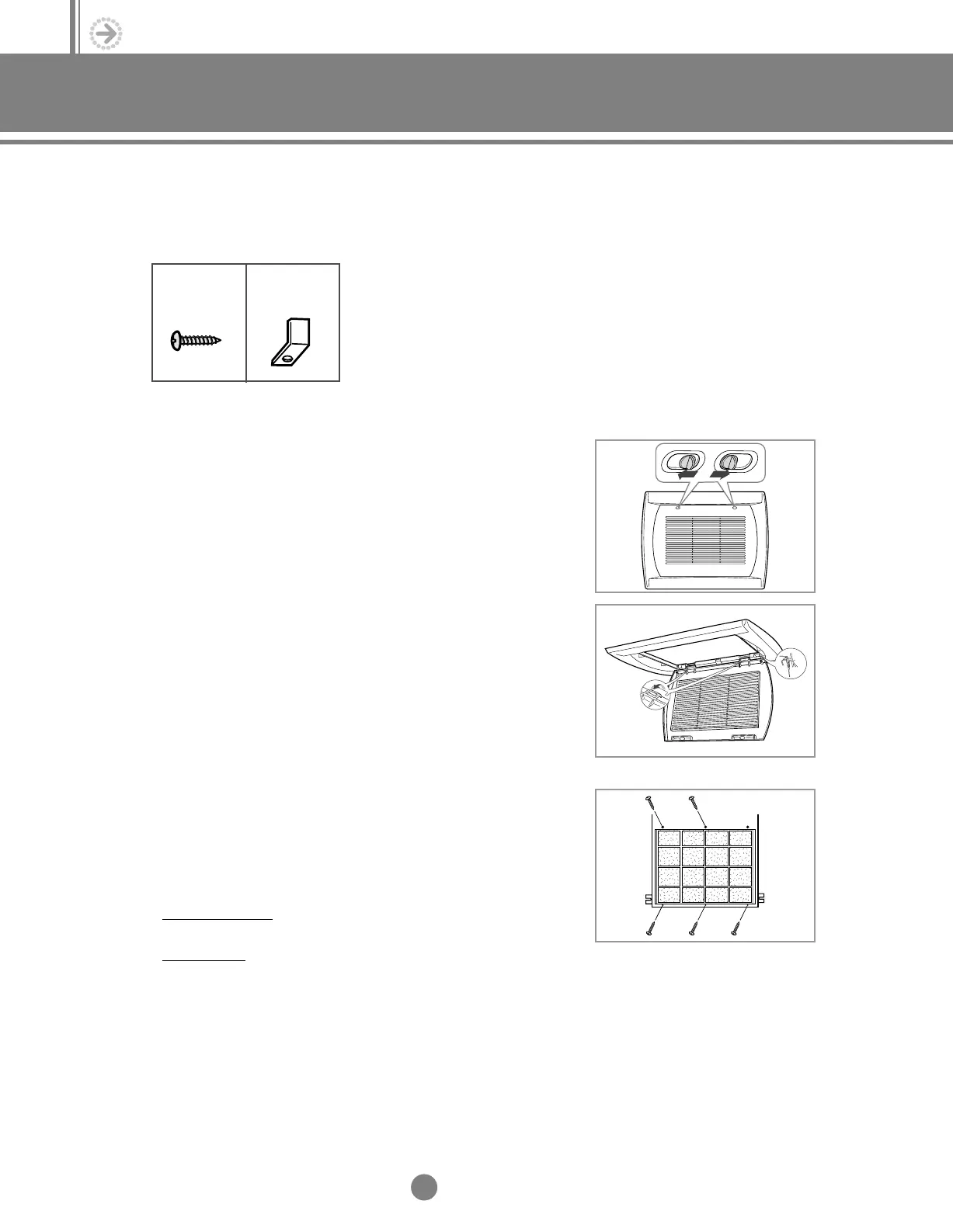
Tapped screw
(6)
Fixing bracket
(1 or 2)
1) Separate the front grille from the panel.
1-1 Push the front grille tabs left & right and then open it.
1-2 Take out the safety clip at the both sides of front grille and
remove the front grille.
2) Insert panel fixing screws(4EA or 5EA) and tighten them
temporarily. Leave a space of approx. 3/8” between the screw
and the indoor unit to insert the panel. Do not insert a screw
into one or two holes(s) yet depending on model.
✻✻
020/032/040
✻✻
◆ Tighten 5 screws except one hole for fixing a bracket.
✻✻
052/072
✻✻
◆ Tighten 4 screws except two holes on right and left.
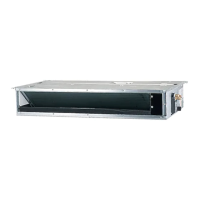
2-3. Duct type (Built-in)
(1) Accessories
(2) Installation
5-1.Installation_TM_E_06890 2/27/03 10:15 AM Page 16




 To Next Page