20
1.
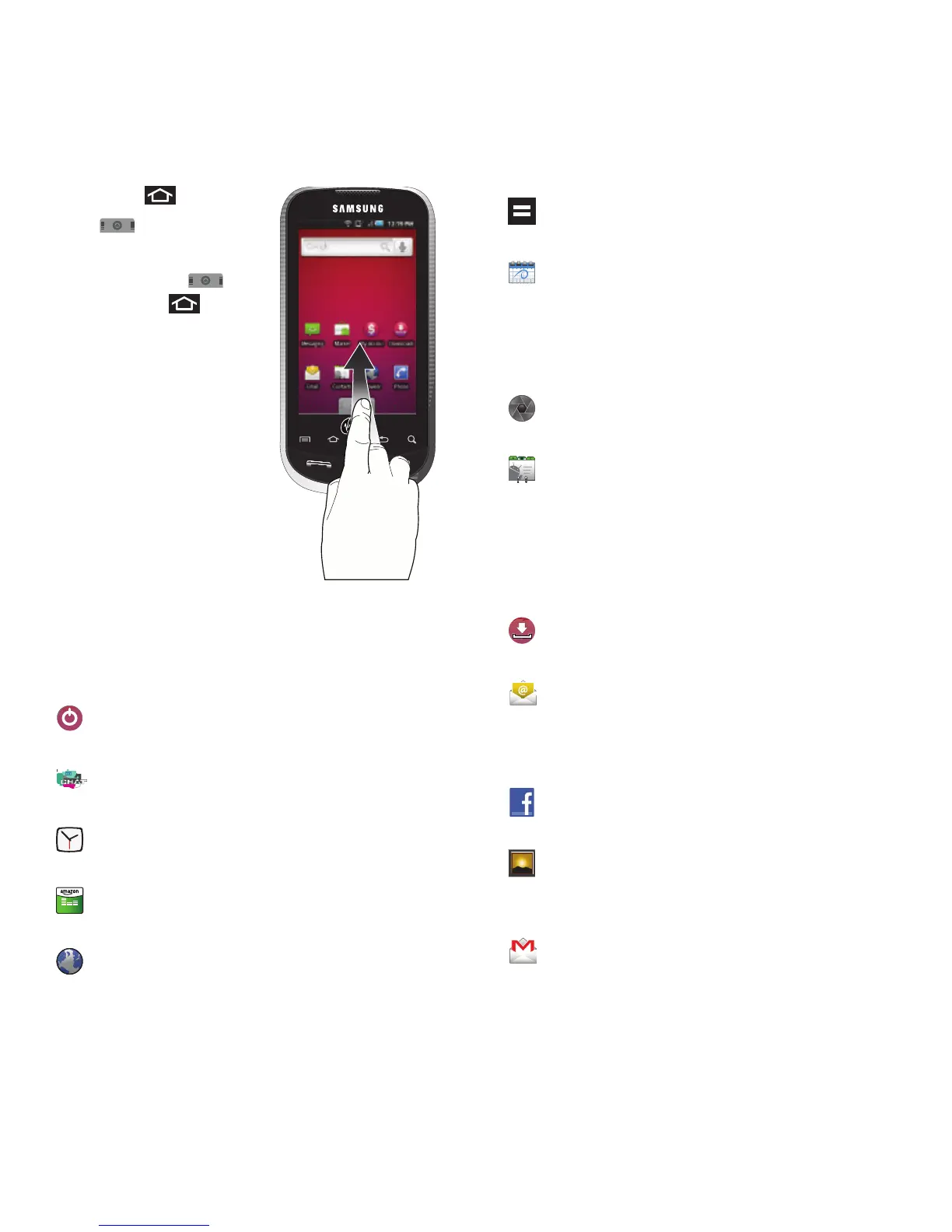
Press and tap
to open the tab.
•
To close the Applications
screen, tap again
or press .
2. Scroll though the list
and tap an icon to
launch the associated
application.
•
The screens contains
device applications such
as Alarm Clock, Browser,
Calculator, Camera,
Market, and much more.
Applications
The following is a listing of the current applications
available on both the Home/Extended screens and via
the Applications tab.
Activate - Begins the device activation
process.
AirG Chat – Accesses an interactive and
interest-categorized mobile community.
Alarm Clock – Accesses the Alarm Clock
application (page 99).
Amazon MP3 – Launches the Amazon
MP3 music download service (page 75).
Browser – Launches the Web browser
(page 87).
MP3
Calculator – Launches the onscreen
calculator application (page 101).
Calendar – Launches the Calendar
applications that syncs itself to either your
Google or Exchange Work calendar
(page 95). Events can only be synched to
a managed account (page 46).
Camera – Launches the built-in camera
(page 70).
Contacts – Displays the Contacts tab
listing current contacts, synced from
either your Google or Exchange account
(page 107 and page 108). Contacts can
only be synched to a managed account
(page 46).
Downloads - Launches an application
allowing you to view downloaded content.
Email – Provides access to both your
Exchange work email and Internet email
accounts (such as Google, Yahoo, etc).
(page 61).
Facebook – Launches the Facebook Web
page via the browser (page 87).
Gallery – Displays a Gallery of camera
images and video stored in the microSD
card (page 72)
Gmail – Provides access to your Gmail
account (page 62).













 To Next Page