92
Note:
The next time your device connects to a previously
accessed or secured wireless network, you are not
prompted to enter the WAP key again, unless you reset
your device back to its factory default settings.
To manually scan for a Wi-Fi network:
1. Press ➔ and tap ➔
Wireless &
networks
➔
Wi-Fi
settings
.
2. Press and tap Scan.
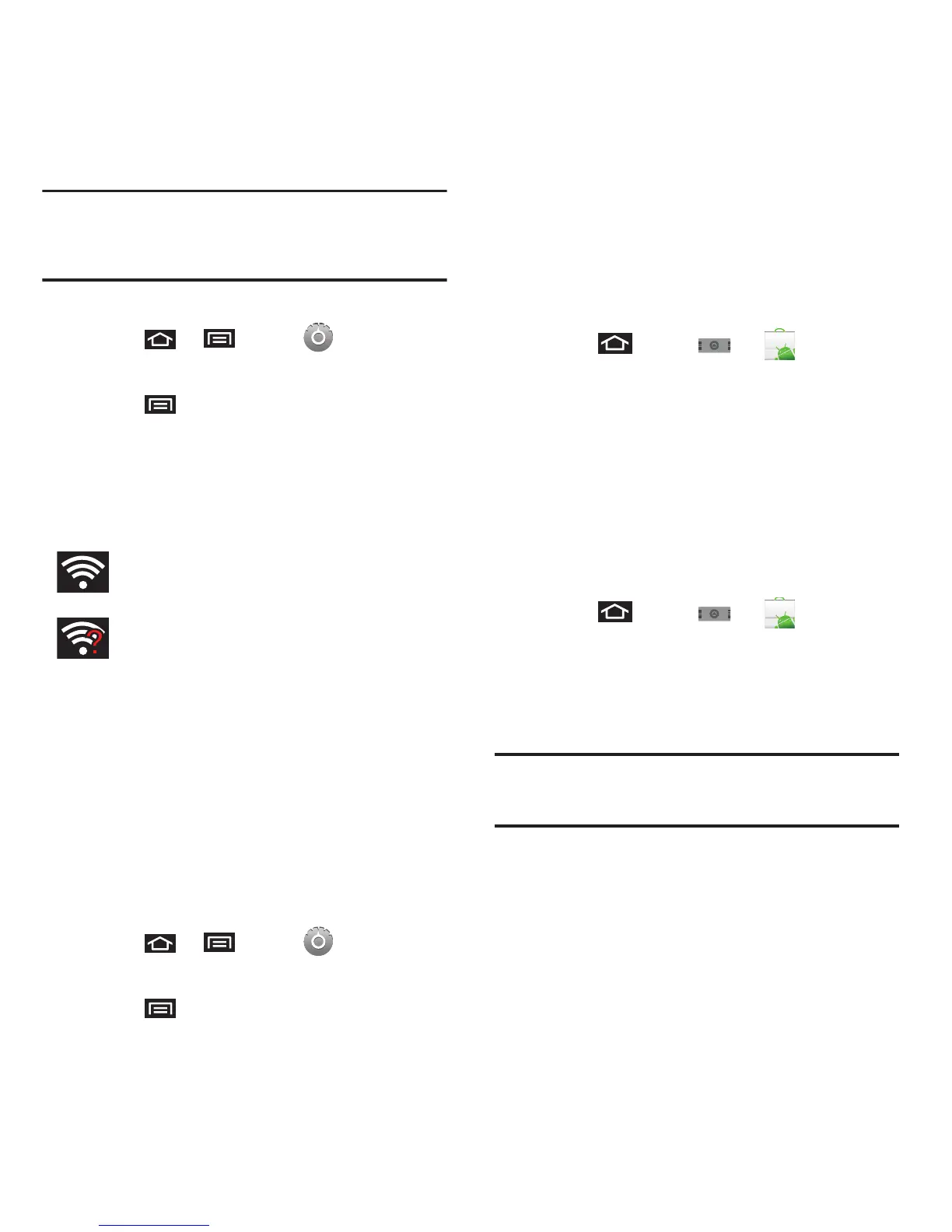
Wi-Fi Status Indicators
The following icons show your Wi-Fi connection
status at a glance:
Using the Wi-Fi Settings Menu
The Wi-Fi settings - Advanced menu allows you to set
up many of your device’s Wi-Fi service, including:
•
Setting your Wi-Fi sleep policy
•
Viewing your device’s MAC Address
•
Configuring use of either a DHCP or Static IP
To access the Bluetooth Settings menu:
1. Press ➔ and tap ➔
Wireless &
networks
➔
Wi-Fi
settings
.
2. Press and tap
Advanced
.
Using the Android Market
The Android Market provides direct access to a large
selection of applications which you can download and
install on your device.
Accessing the Market
1. Press and tap ➔ (
Market
).
2. Tap
Next
if you are not already logged in with
your Google account.
3. Tap
Sign in
and enter your Google account
information.
4. Touch
Accept
to agree to the Android Market
terms of service.
Selecting and Installing a Google Application
1. Press and tap ➔ (
Market
).
2. Tap the desired onscreen application.
3. Read the application descriptions.
4. Tap
Install
.
Important!:
Use caution with applications which request access
to any personal data, functions, or significant
amounts of data usage times.
5. If prompted, follow the onscreen instructions to
pay for the application.
6. Check the progress of the current download by
opening the
Notifications
panel.
Wi-Fi is connected and active.
Wi-Fi active but there is a communication
issue with the target Wireless Access Point
(WAP).













 To Next Page