44
Section 6: Contacts
This section explains how to use and manage your
Contacts List. You can save phone numbers to your
phone’s memory.
Creating a New Contacts Entry
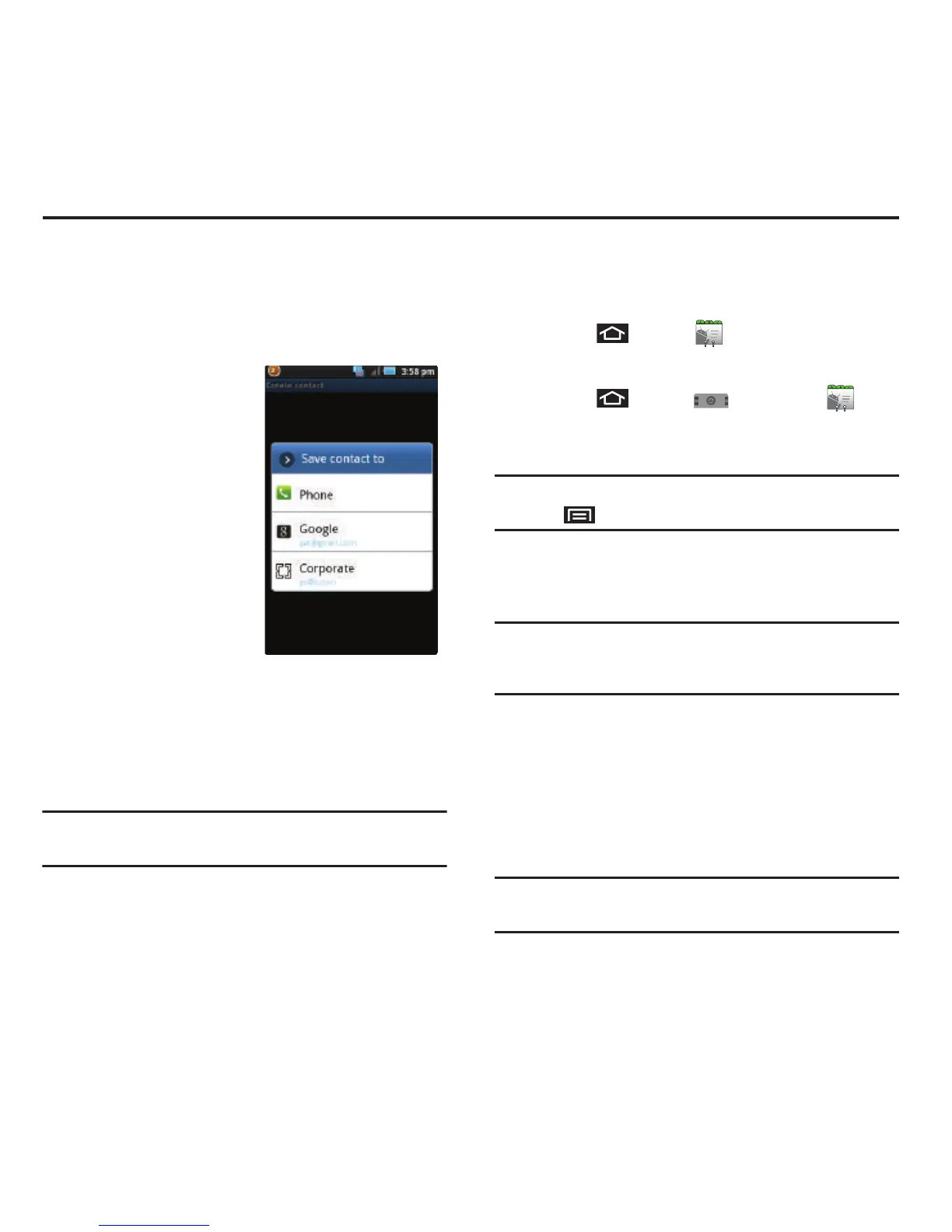
If existing Google and
Corporate email accounts
have been synchronized to
your device, these will be
made available to your
device during the creation
of new entries. These new
Contacts entries can be
assigned or saved to
synched accounts such as
Phone, Google, or
Corporate.
Your device automatically sorts the Contacts entries
alphabetically. Each entry’s name can contain an
unlimited number of characters. You can create either
a
Phone
,
Google
or
Corporate
contact.
•
Phone
contacts are stored locally on the device.
Warning!:
If the device is ever reset to its factory default
parameters, locally stored contacts can be lost.
•
Google
contacts are shared with your existing Google
account and can also be imported to your device after you
have created a Google Mail account.
•
Corporate
(also known as Work or Exchange) contacts are
those contacts that are intended to be shared with either
an Exchange Server or from within Microsoft® Exchange.
1. Press and tap .
– or –
Press and tap
➔
Contacts
().
2. From the top of the screen, tap
Create contact
.
Tip:
You can also enter the phone number from the Keypad and
press
➔
Add to contacts
. Proceed with steps 4–5.
3. Tap a destination type (
Phone, Google
, or
Corporate
).
Note:
You will not see the option to select a destination unless
you have previously established a Google or Corporate
account on the device.
4. Tap the
First name
and
Last name
fields, and
enter a name for the new entry. See Entering
Text with Onscreen Keyboard (page 51) or
Entering Text using the QWERTY Keyboard
(page 53).
Note:
Use the predictive text row to shortcut a name selection
by tapping the word.













 To Next Page