Contacts 47
Groups
This feature allows you to add a new or existing
contact to a call group. This group can be one of the
already present groups (Family, Friends, or Work) or a
user-created group.
To create a new group:
1. Press and tap
➔
Groups
.
2. Press and tap
Create
.
3. Tap the
Group
field, and enter a group name
and defining ringtone.
4. Tap
Save
to store the newly created group.
To add an existing contact to a current group:
1. Press and tap
➔
Group
➔
[name of
group]
.
2. Tap
Add member
.
3. Locate an entry from the Contacts list.
4. From the list of contacts, tap the contact you
want to add or tap
Select all
. (A green check-
mark appears next to the entry.)
5. Tap
Add
to add the contact to your group.
6. Touch an existing group.
To send a message to a group:
1. Press and tap
➔
Groups
.
2. Tap an existing group, and press
➔
Send
message
.
3. Use the QWERTY keyboard to type your
message, and tap
Send
.
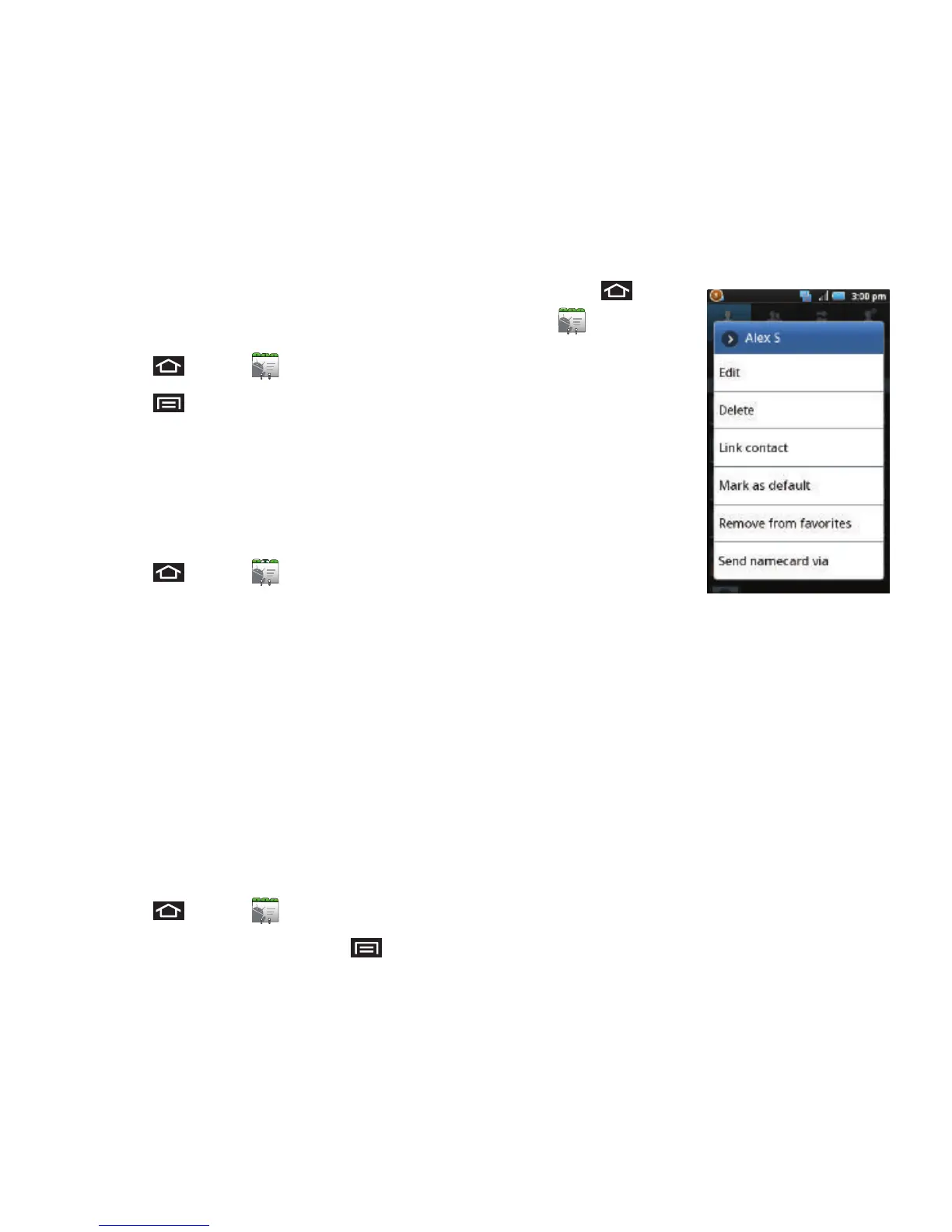
Contacts Menu Options
1. Press and tap
.
2. Touch and hold an
entry and select
from the available
contact menu
options:
•
Edit
to edit the
currently selected
Contacts entry. See
“Editing a Contacts
Entry” on page 48.
•
Delete
to erase the currently selected Contacts entry.
See “Deleting Entries” on page 50.
•
Link contact
to link the current contact to another
current contact. Similar to a “see also” feature. If you
can’t remember a contact’s information, linking
entries can help you find the person you are looking
for.
•
Mark as default
to assign one the entry’s available
numbers as the default (main) contact number.
•
Add to favorites
to copy the current Contacts entry to
the list within the Favorites tab (page 50).
•
Remove from favorites
to remove the current
Contacts entry fromthe list within the Favorites tab.













 To Next Page