42
2.
When you see “
Listening
,” say “
Call
” followed
immediately by a valid string of digits to be
dialed, for example, say “
Call 555 555 5555
.”
3. If the location is not recognized or the name
does not have a phone number stored in
Contacts, your phone will list possible options
onscreen.
Speak naturally and clearly and remember to speak
one digit at a time. For example, 1-800 should be
pronounced “One Eight Zero Zero.”
Caller ID
Caller ID allows people to identify a caller before
answering the phone by displaying the number of the
incoming call. If you do not want your number
displayed when you make a call, follow these steps.
1. Press and then tap
➔
to access
the onscreen dialer.
2. Tap .
To permanently block your number, call Virgin Mobile
At Your Service.
Call Waiting
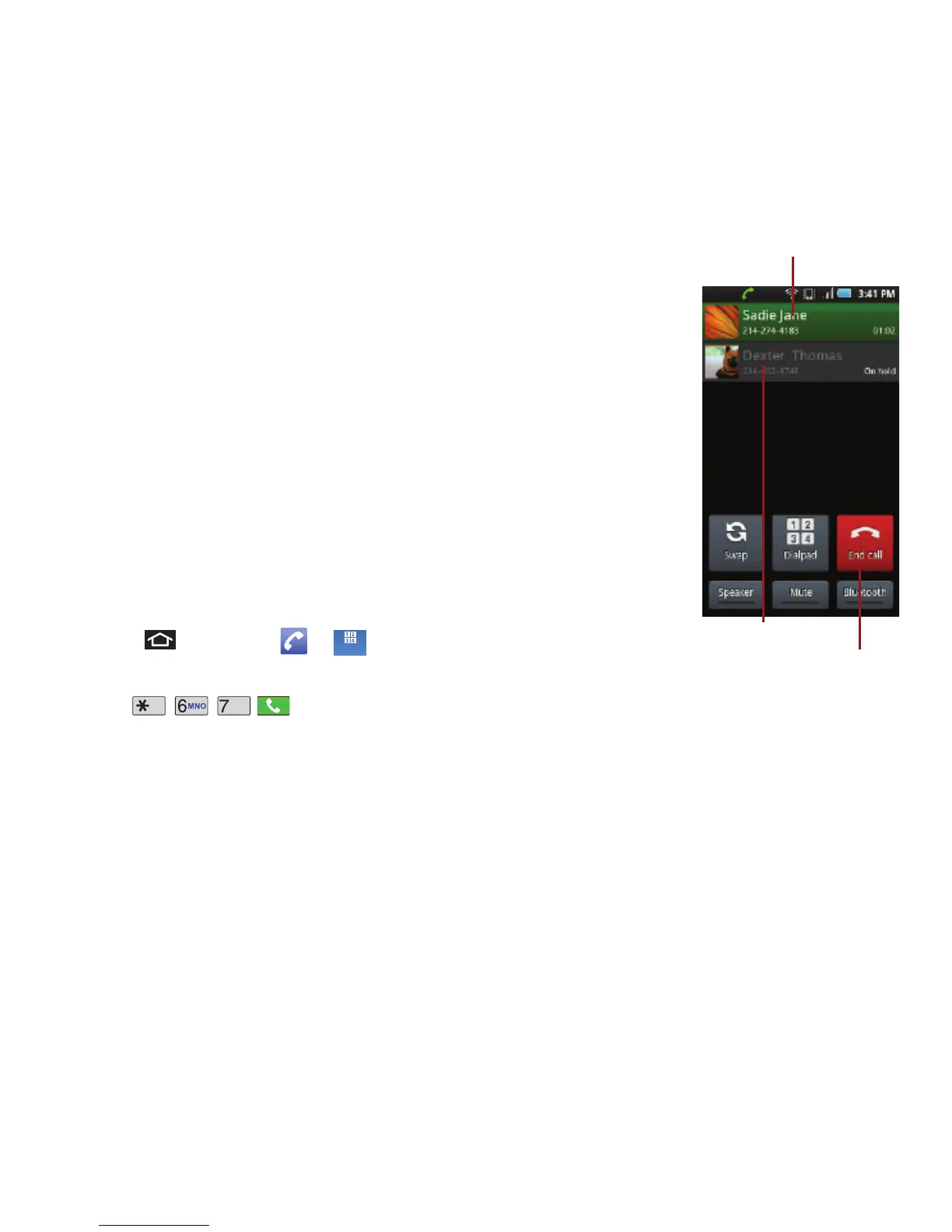
When you’re on a call,
Call Waiting alerts you
to incoming calls by
sounding two beeps.
Your device’s screen
informs you that
another call is coming in
and displays the caller’s
phone number (if it is
available and you are in
digital mode).
To respond to an
incoming call while
you’re on a call:
䊳
Before accepting the
incoming call, tap
one of the following
onscreen options:
•
Accept
to answer the new call. The first caller is
placed on hold.
•
Reject
to send the call to your voicemail box.
•
Silence
mutes the ringtone.
•
Reject with msg to send the call to your voicemail box
and immediately send the caller a text message.
These Ignore messages can be created and stored on
the device.













 To Next Page