Call Functions 41
Activating Voice Dialer
䊳
Press and hold .
You will then see a
prompt.
– or –
Press and
tap
➔
(
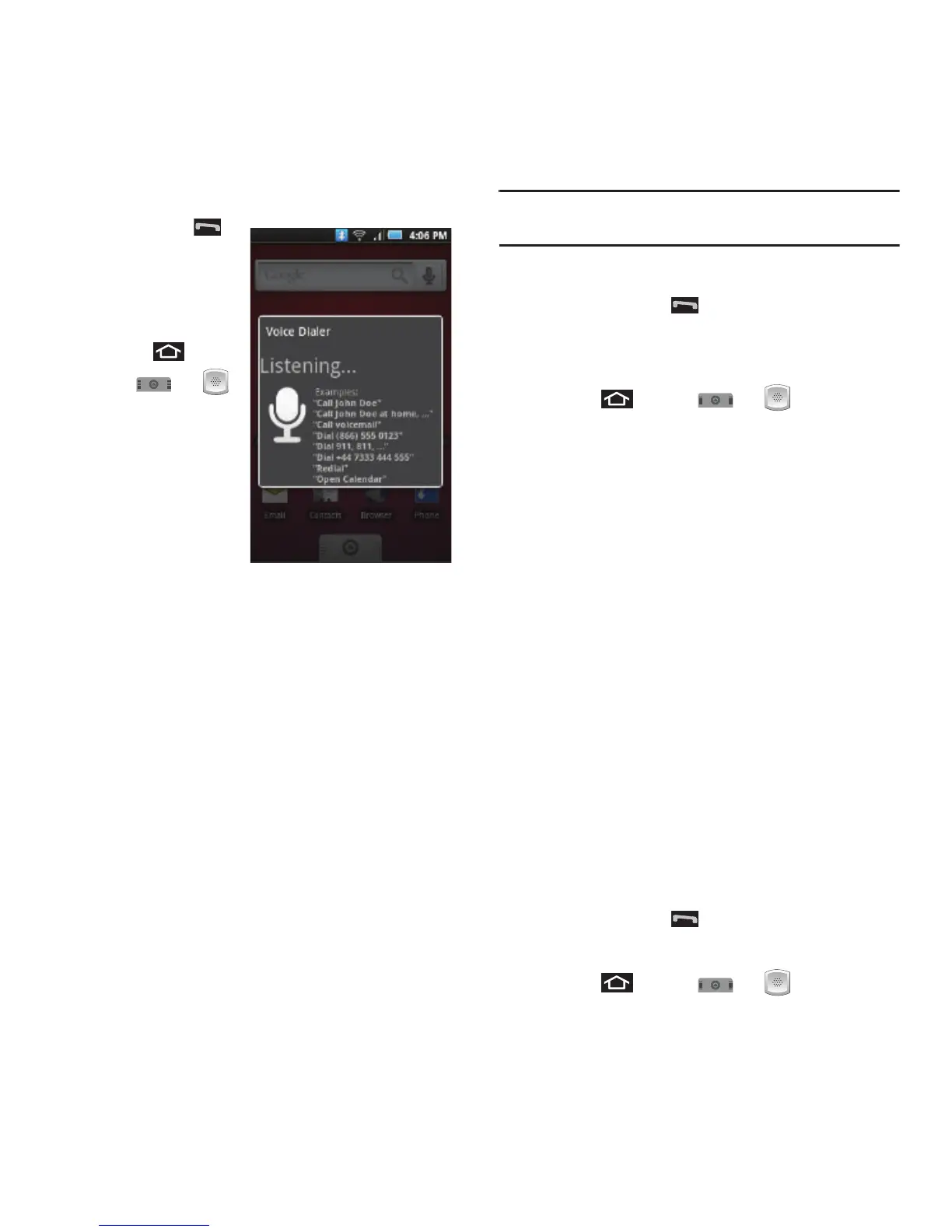
Voice Dialer
).
The screen displays
“
Listening
” and the
phone prompts you to
say the name of the
command you want to
use.
To complete your task, simply follow the voice
prompts or touch an onscreen option.
Available ASR commands include:
•
Call
<Name or #> to call an entry in your Contacts list or
a spoken phone number. (See “Making a Voice Call With
Voice Dialer” on page 41.)
•
Dial
<Name or #> to call an entry in your Contacts list or
a spoken phone number.
•
Redial
<Name or #> to callback an entry in your
Contacts list or a spoken phone number.
•
Open
<Menu> to jump directly to menu items or
applications. (See “Opening Menus With Voice Dialer” on
page 28.)
Tip:
Use Voice Dialer in a quiet environment so it can
accurately recognize your commands.
Making a Voice Call With Voice Dialer
1. Press and hold . You will then see a
prompt.
– or –
Press and tap
➔
(
Voice Dialer
).
2. When you see “
Listening
,” say “
Call
” followed
by the name and the label for the phone
number you wish to call. For example, say
“
Call John Smith Mobile
.” The device dials the
number stored for the contact “
John Smith
”
with the label “
Mobile
.”
•
You can also touch the onscreen
Call <Name or #>
field to activate the function.
•
If the location is not recognized or the name does not
have a phone number stored in Contacts, your phone
will display a list possible options onscreen.
•
If a name has only a single number, or if you know the
name but are not sure which number to call, say
“
Call
” followed by the name only. For example, say
“
Call John
.” If the name is recognized and there is
only one phone number for the name, your device
immediately places the call.
Calling a Phone Number With Voice Dialer
1. Press and hold . You then hear a prompt.
– or –
Press and tap
➔
(
Voice Dialer
).













 To Next Page