28
Using Context Menus
Context menus (also called popup menus) contain
tools that apply to a specific item on the screen. They
function similar to those menu options available on
your computer when you use a right-mouse click.
You open a context menu by touching and holding an
onscreen item. You can also open an item’s context
menu by selecting it with the optical joystick and then
pressing and holding the optical joystick.
Not all items have context menus. If you touch and
hold an item that has no context menu, nothing
happens.
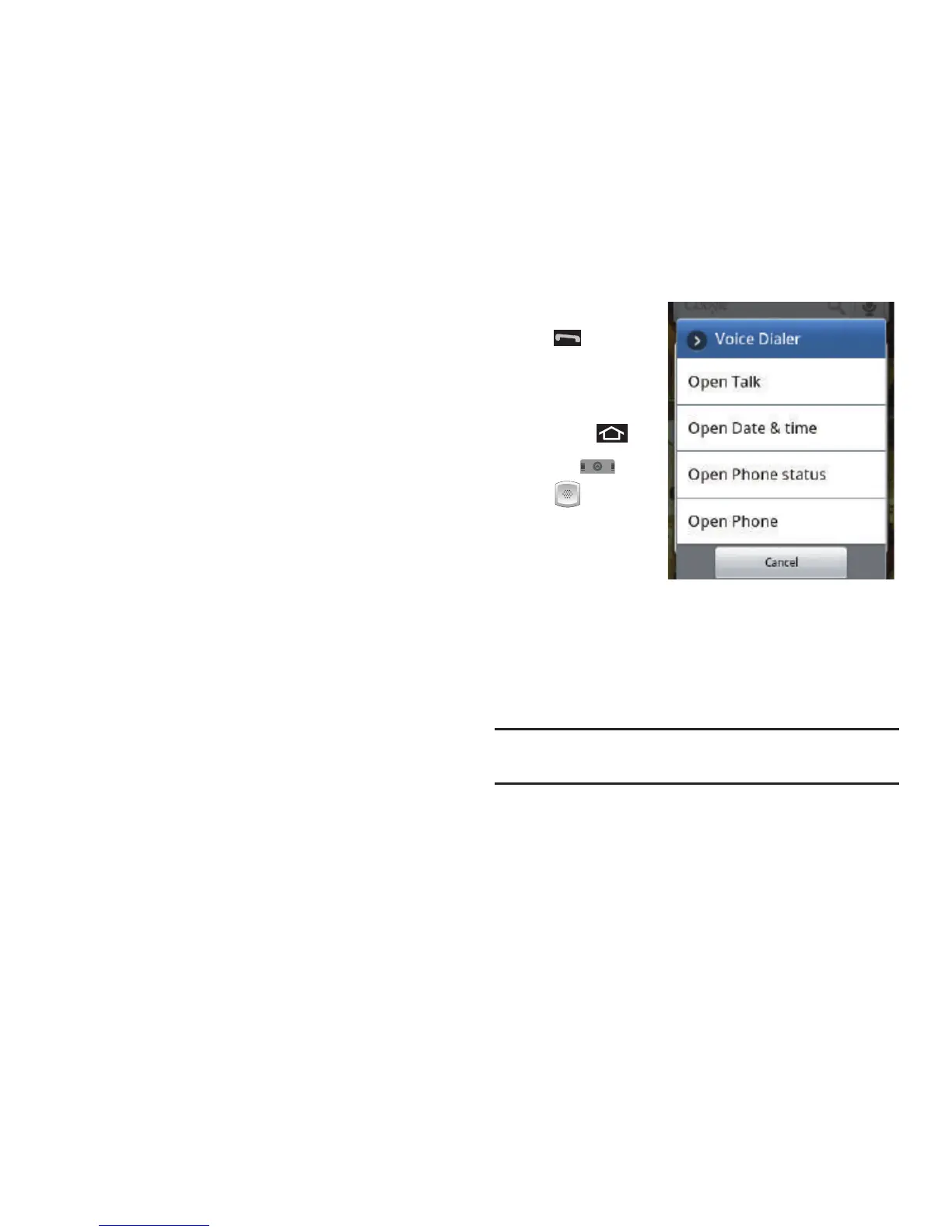
Opening Menus With Voice Dialer
You can jump directly to many menu items or
applications by saying “Go to” followed by a menu
option.
1. Press and hold
. You then
hear a prompt.
– or –
Press and
tap
➔
(
Voice
Dialer
).
2. When you see
“
Listening
,” say “
Open
.” A list of valid actions is
displayed.
3. Tap an action, the device opens the selected
menu.
Tip:
Tap and scroll through the onscreen list to reveal more
options.













 To Next Page