Understanding Your Phone 27
•
When your QWERTY keyboard is visible, your device
is placed into Landscape mode.
•
When the keyboard is hidden, your device is placed
into Portrait mode.
To launch the Keypad using your joystick:
1. From the Home screen, use your finger to
scroll over the Optical Joystick.
2. Highlight . Scrolling over the Optical
Joystick highlights the Keypad icon on the
screen.
3. Press .
To view your text messages using your joystick:
1. Scroll across the Optical Joystick until is
highlighted and press .
2. Scroll down and highlight Messaging ( )
and press . (If you have any text
messages, they are displayed.)
3. Highlight an available message and press
to view its content.
Selecting Menu Items Using your Keyboard
As you navigate through a menu with these
navigation keys, options are highlighted. Select any
option by pressing a directional arrow from the
QWERTY keyboard and moving the onscreen
selection, highlighting it and pressing .
•
If the option is numbered, you can select it by
pressing the corresponding number on the phone’s
keypad.
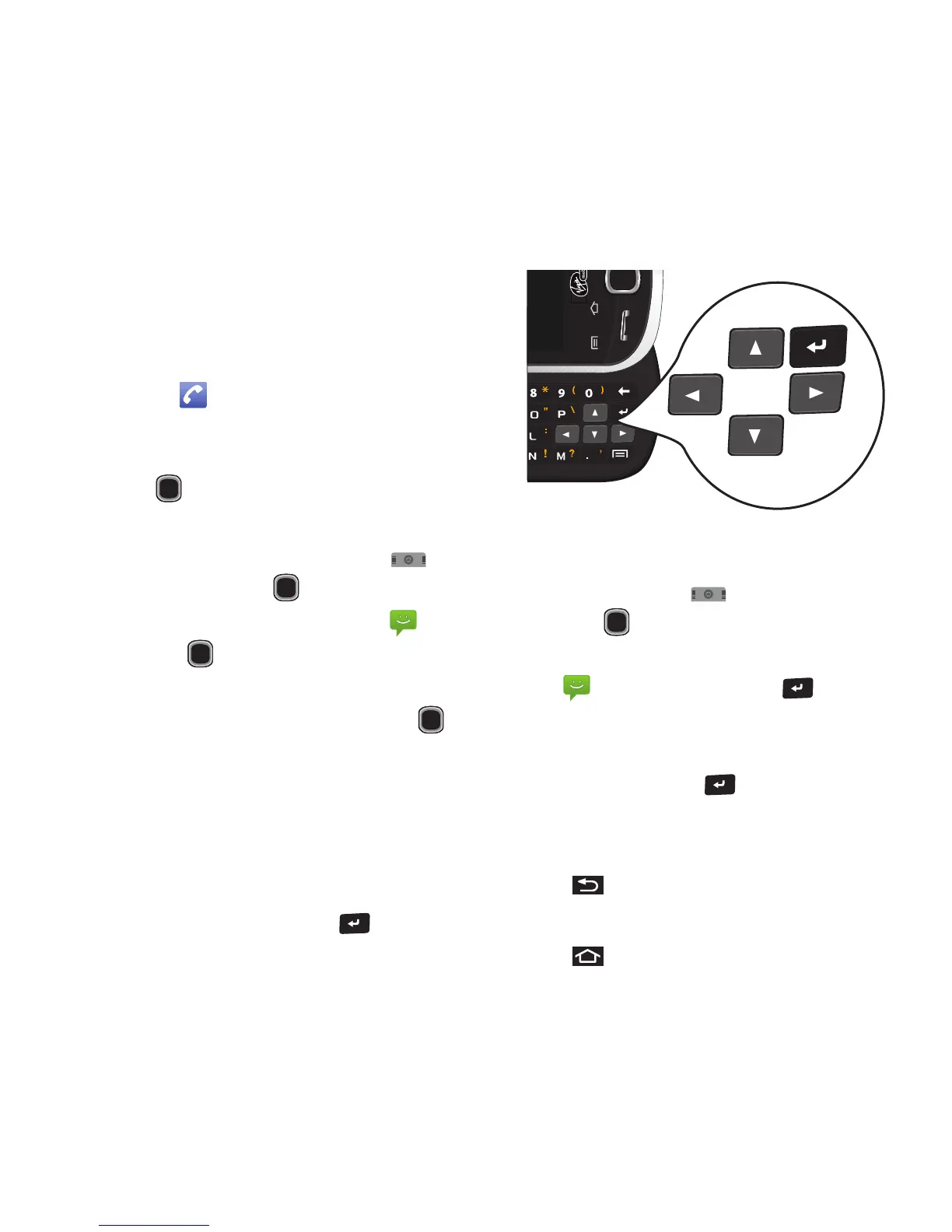
Access the QWERTY keyboard and locate the
navigation keys, located at the right of the keyboard.
To view your text messages using the directional
keys:
1. Use the keys until is highlighted and
press .
2. Press the navigation keys until Messaging
( ) is highlighted and press . (If you
have any text messages, they are displayed.)
3. Press Up or Down to highlight an available
message and press to view its content.
Backing Up Within a Menu
To go to the previous menu:
䊳
Press .
To return to Home screen:
䊳
Press .













 To Next Page