Understanding Your Phone 25
1.
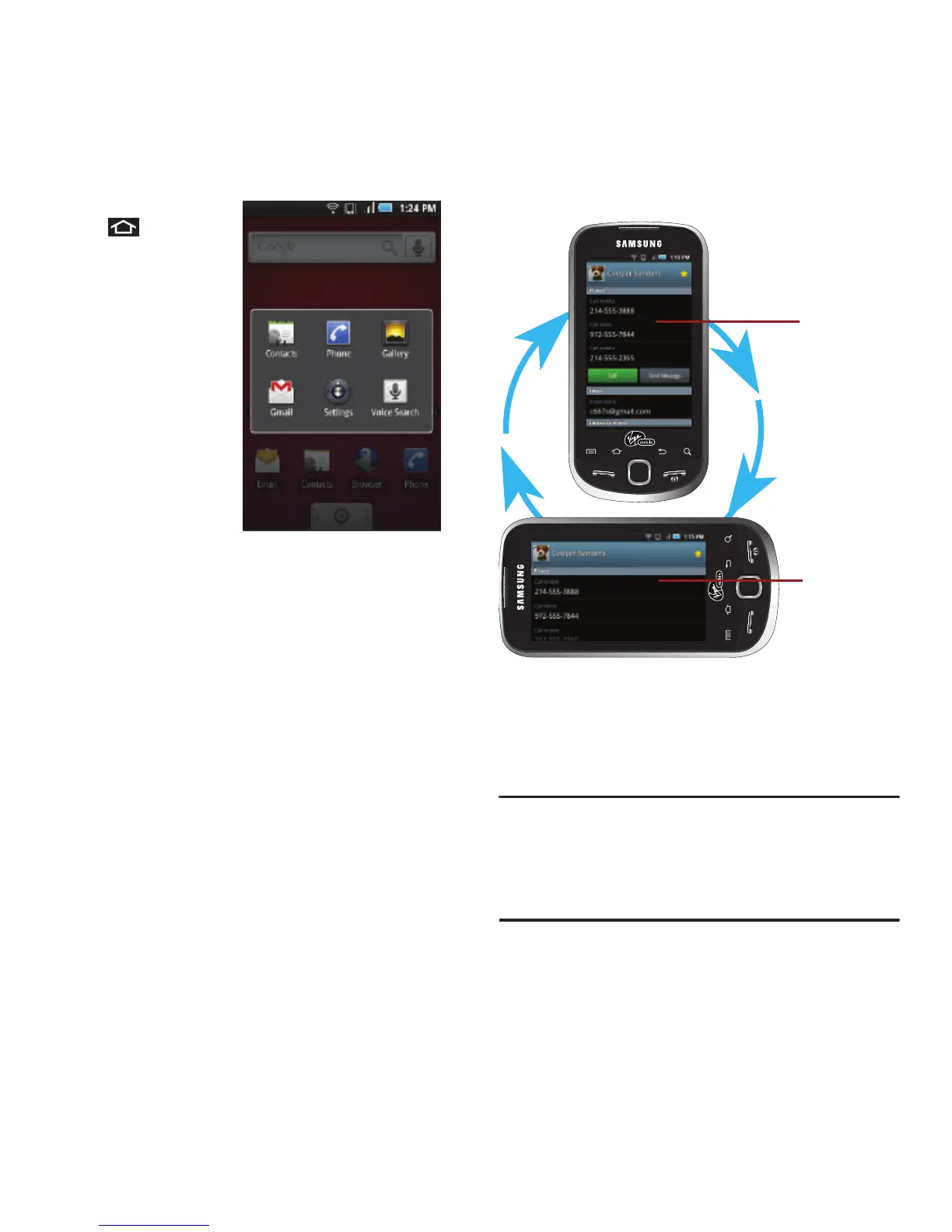
Press and hold
to open the
recently-used
applications
window.
2. Tap an icon to
open the related
application.
Changing the Screen
Orientation
The Samsung
Intercept™ is capable
of automatically changing the orientation of some
onscreen content. The device’s built-in
accelerometer senses movement and changes its
angle/orientation.
This allows the device to change the onscreen
content (images, video, Web pages) to properly
display based on the current angle (some screens
may not automatically change).
Although most screens will change orientation once
the QWERTY keyboard is opened, this feature can be
manually enabled to change the orientation for all
applicable screens when rotation is detected.
Note:
An example of a screen that does not automatically re-
orient is the Home screen. This screens requires you
slide out the QWERTY keyboard. An example of a screen
that automatically re-orients by moving the device is the
Contacts screen. This only requires you turn the device
on its side.













 To Next Page