56
Symbols and Smileys
Symbols are accessed by combining the key
with the correct number key. These symbols appear
in blue above the keyboard keys.
Smileys (emoticons) are accessed by pressing
and then selecting an image from the
Insert Smiley
page that is then inserted at your current cursor
position.
To enter symbols:
1. Position the cursor where you want the symbol
to appear within your message.
2. Press and then press the blue key
corresponding to the symbol you want to insert.
•
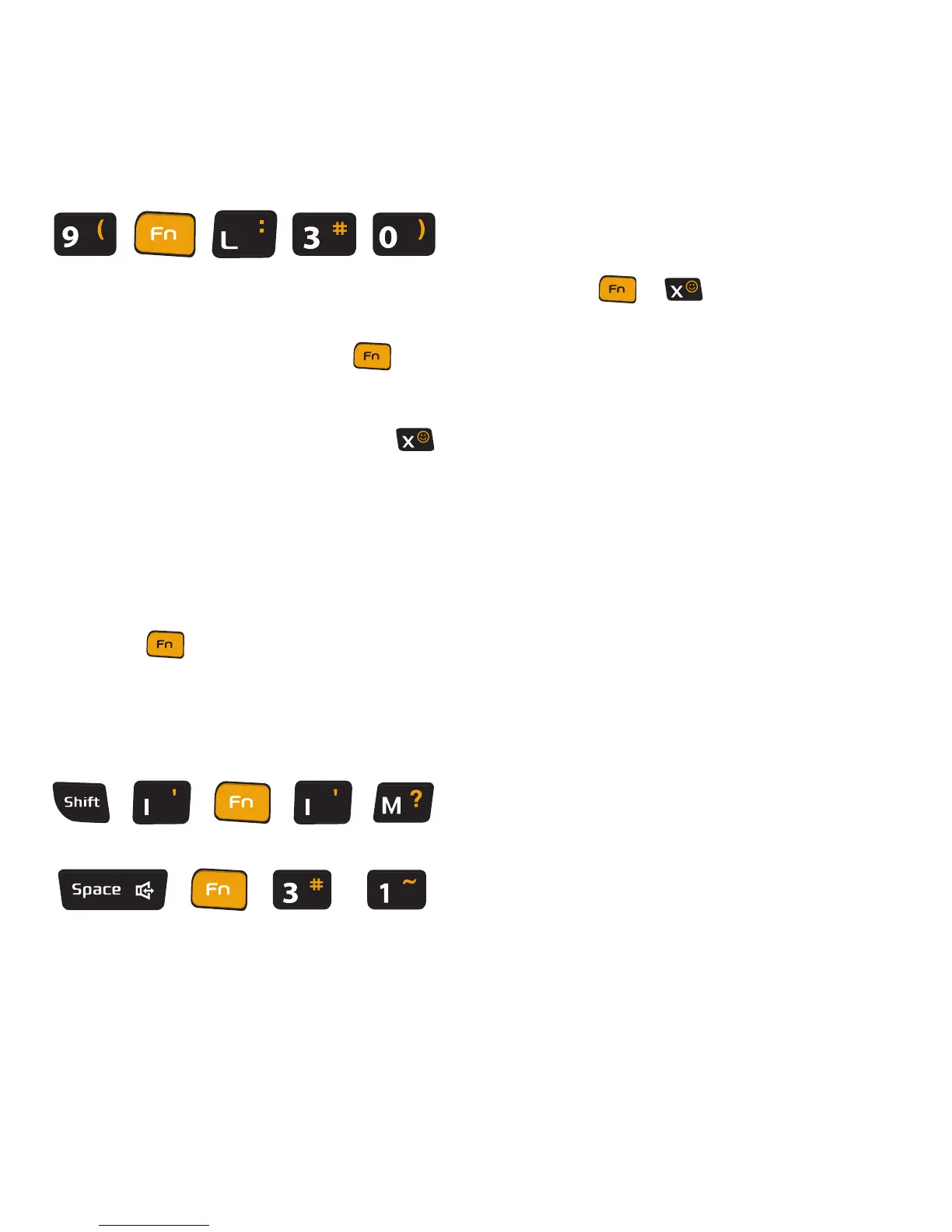
For example, to enter “I’m #1,” you would use the
keyboard sequence shown below.
To enter “smileys” (emoticons):
1. Position the cursor where you want the symbol
to appear within your message.
2. Press
➔
to open the onscreen
smiley page.
3. Scroll through the list and select a smiley by
touching the onscreen icon.













 To Next Page