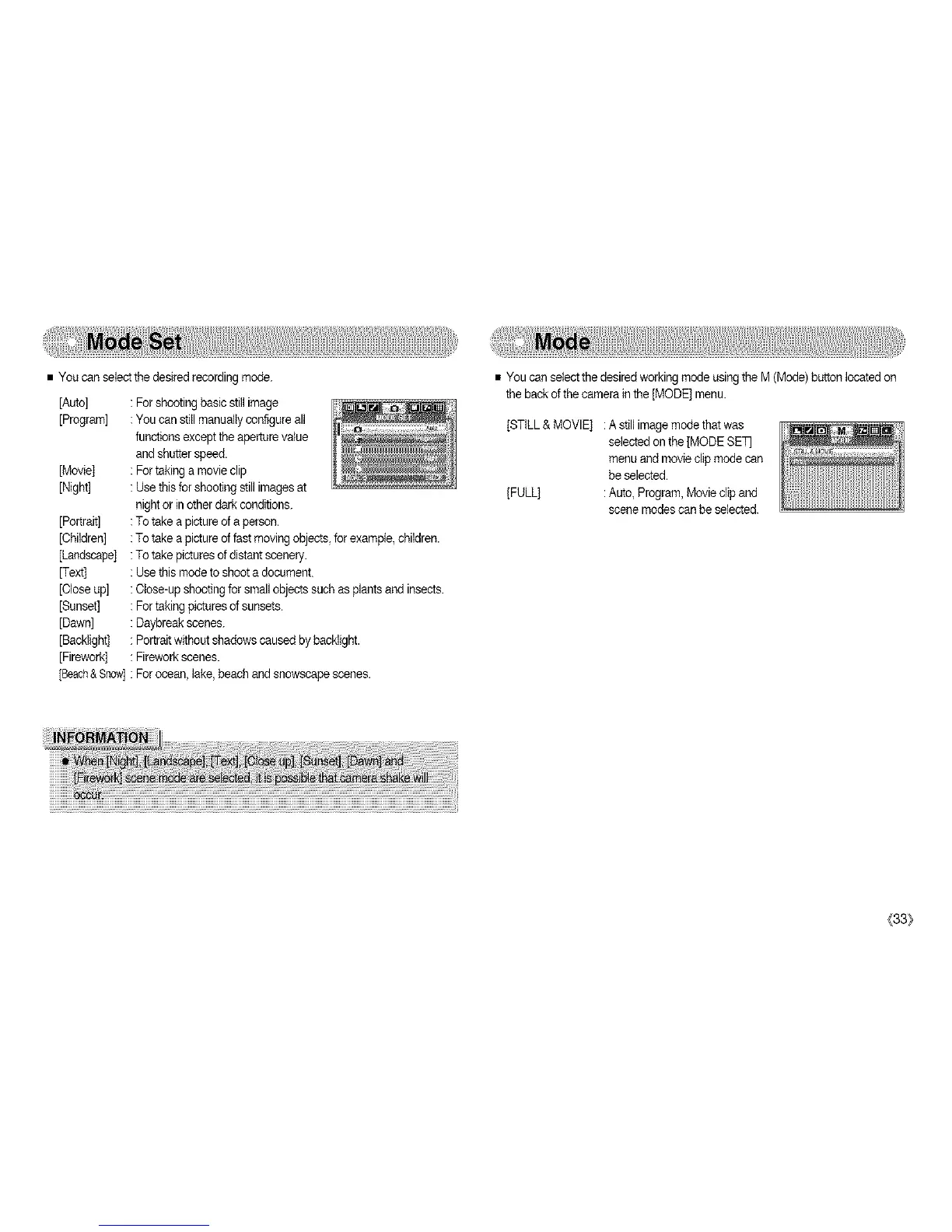
•Youcanselectthedesiredrecordingmode.
[Auto]
[Program]
[Movie]
[Night]
[Portrait]
[Children]
[Landscape]
[Text]
[Closeup]
[Sunset]
[Dawn]
[Backiight]
[Firework]
[Beach&Snow]
:Forshootingbasicstillimage
:Youcanstitlmanualiyconfigureall
functionsexcepttheaperturevalue
andshutterspeed.
:Fortakingamovieclip
:Usethisforshootingstillimagesat
nightorinotherdarkconditions.
:Totakeapictureofaperson.
:Totakeapictureoffastmovingobjects,forexample,children.
:Totakepicturesofdistantscenery.
:Usethismodetoshootadocument.
:Close-upshootingforsmallobjectssuchasplantsandinsects.
:Fortakingpicturesofsunsets.
:Daybreakscenes.
:Portraitwithoutshadowscausedbybackiight.
:Fireworkscenes.
:Forocean,lake,beachand snowscape scenes.
• You can select the desired working mode usingthe M (Mode)button located on
the back ofthe camerain the [MODE] menu.
[STILL&MOVIE] :A still imagemode thatwas
selected on the [MODE SET
menu andmovie clipmode can
be selected.
[FULL] :Auto, Program, Moviedip and
scene modescan be selected.
(33}



 To Next Page