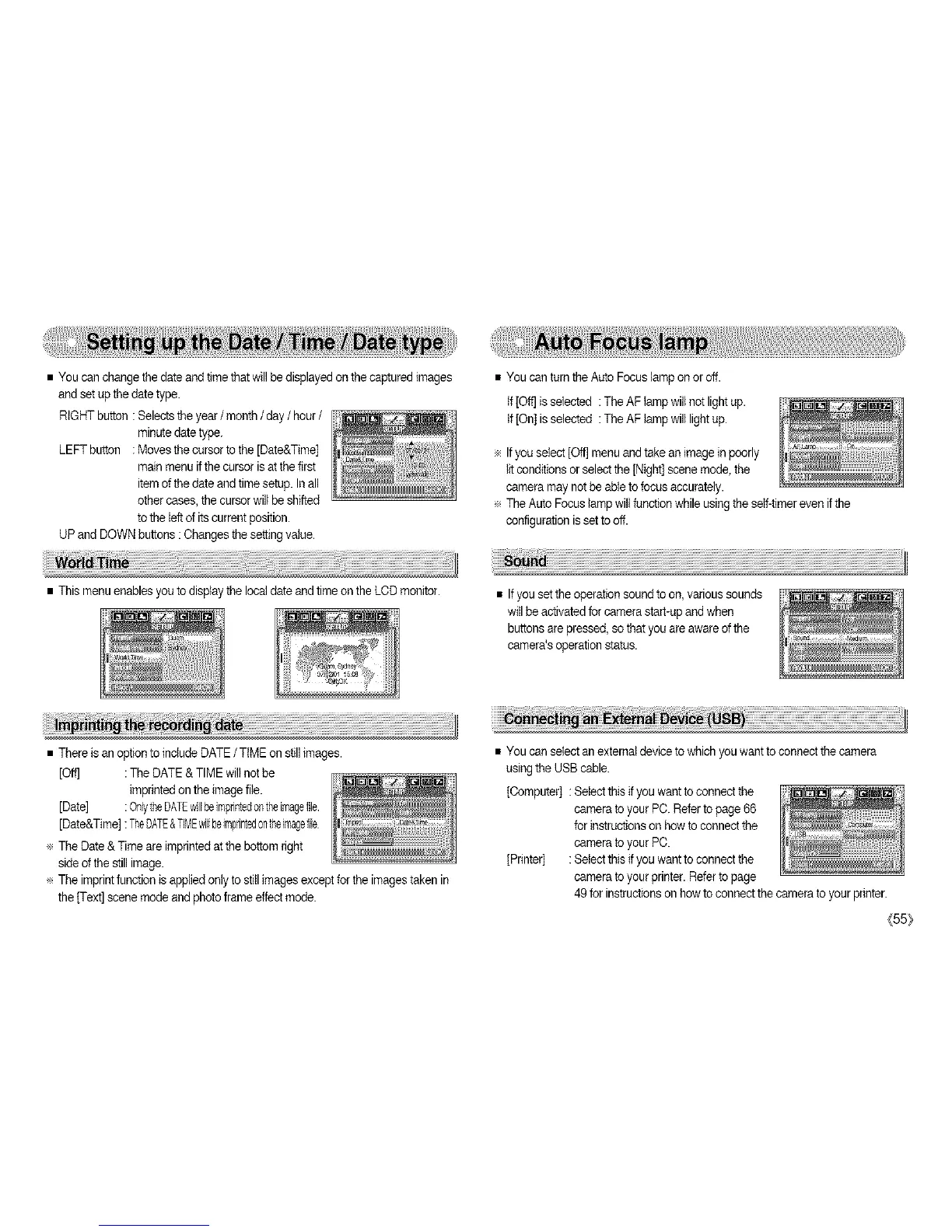
• You can change the date and timethat willbe displayed on the captured images
andset up thedate type.
RIGHT button : Selects theyear / month / day / hour/
minutedate type.
LEFT button : Moves tbe cursor totbe [Date&Time]
mainmenu ifthe cursor is at the first
item ofthe date andtime setup. Inall
other cases,the cursor will be shifted
tothe leftof its current position.
UP and DOWNbuttons :Changes the settingvalue.
• You can turn the Auto Focuslamp on or off.
If [OffJisselected : TheAF lamp will not light up.
If [On] isselected : TheAF lamp will light up.
÷ Ifyou select [Oft]menu and take an image in poorly
litconditionsor select the [Night] scenemode, the
cameramay not be able tofocus accurately.
÷ The Auto Focuslamp willfunction while usingthe self-timer evenif the
configurationis setto off.
• This menuenablesyou to display the localdate and time on the LCDmonitor.
• Ifyou set theoperation sound toon, various sounds
will be activatedfor camerastart-up andwhen
buttons are pressed,so thatyou are awareofthe
camera'soperation status.
• There is an optionto includeDATE / TIME on still images.
[Oft] : The DATE& TIME wiltnot be
imprintedon the image file.
[Date] : OnlytheDATEwillbeimprintedontheimagefile.
[Date&Time] :TheDATE&TIMEwillbeimprintedontheimagefile
÷ The Date &Time are imprinted at the bottom right
sideofthe still image.
÷ The imprintfunction is appliedonly to stitl images except forthe images taken in
the [Text] scenemode andphotoframe effect mode.
• You can select an external deviceto which you want toconnect the camera
usingthe USB cable.
[Computer] : Select this ifyou want to connectthe
camerato your PC. Referto page 66
forinstructions on howto connectthe
camerato your PC.
[Printer] : Select this ifyou want to connectthe
camerato your printer. Refer topage
49 for instructionson howto connectthe camera to your printer.
(55:_



 To Next Page