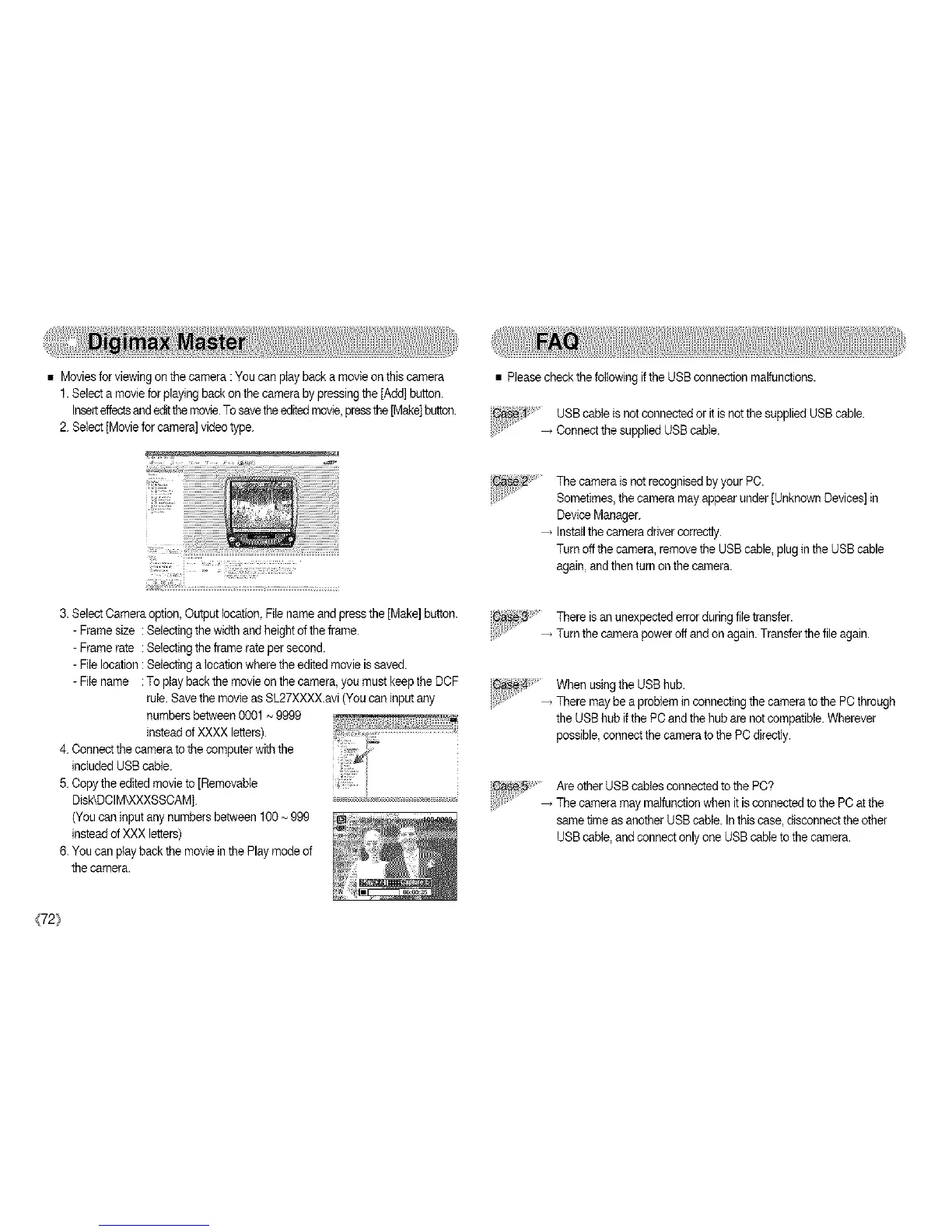
• Moviesfor viewingon the camera :You can playback a movieon this camera
1.Select a movieforplaying back on the camera by pressing the [Add] button.
Insetteffect_and editthe movie.Tosavethe editedmovie,pressthe[Make]button.
2. Select [Movie forcamera] video type.
t:
3. Select Cameraoption, Output location,File nameand press the [Make]button.
- Frame size : Selectingthe width andheight ofthe frame.
- Frame rate : Selectingthe frame rate per second.
- File location : Selectinga location where the editedmovie is saved.
- File name :To play backthe movie on the camera, you must keepthe DCF
rule. Savethe movieas SL27XXXX.avi (You can inputany
numbersbetween 0001~ 9999
insteadof XXXXletters).
4. Connectthe camera tothe computerwith the
included USBcable.
5. Copythe edited movieto [Removable
DIek©CIM_XXXSSCAM].
(You can input any numbers between 100~ 999
insteadof XXX letters)
6. You can play back the moviein the Play modeof
the camera.
• Pleasecheck the followingif the USBconnection malfunctions.
:1' USBcable is not connected or itis notthe supplied USB cable.
..... _ Connectthe supplied USB cable.
The camera is not recognisedby your PC.
Sometimes,the camera may appear under [Unknown Devices]in
DeviceManager.
Installthe cameradriver correctly.
Turn off the camera, remove the USBcable, plugin the USBcable
again,andthen turnon the camera.
There isan unexpectederror during file transfer.
_ Turn the camerapower off and on again. Transferthe file again.
When usingthe USBhub.
There may be a problem in connectingthe camerato the PCthrough
the USBhub ifthe PC andthe hub are not compatible. Wherever
possible,connect thecamera tothe PC directly.
C8se_ Areother USB cables connected tothe PC?
.... _ The camera may malfunction when itis connectedto the PC at the
same time asanother USB cable. Inthis case, disconnect the other
USBcable, andconnect onlyone USB cableto the camera.
{72}



 To Next Page