OfficeServ 7400 INSTALLATION
TECHNICAL MANUAL PART 2 MAY 2010
2.5
2.4 CONNECTING GROUND WIRES
This section describes how to connect an external grounding wire to the OfficeServ 7400
system.
External Grounding
External grounding is required to prevent human injuries and system damage caused
by lightning, static electricity, or voltage surge.
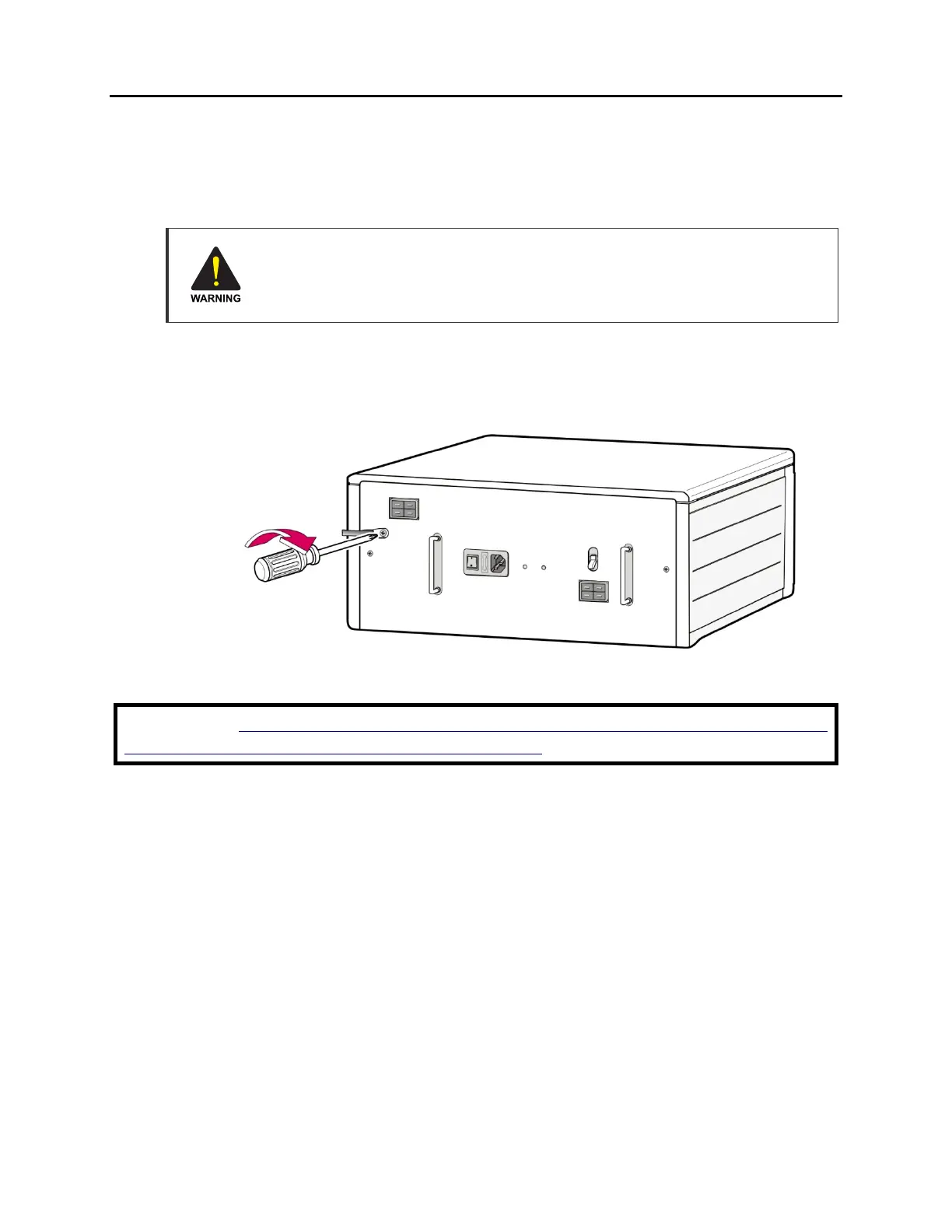
As shown in the figure below, connect an earth ground to the ground lug behind the
OfficeServ 7400. For an expansion cabinet, connect and ground the external ground wire
between the expansion cabinet and the main cabinet.
Figure 2.6 Grounding
IMPORTANT: Follow the grounding requirements described in section 1.2 (Grounding
Conditions) when connecting a ground to the system.















 To Next Page