Check Enable to apply Virtual DMZ for the Router.
2. DMZ Host IP Address
This field stands for the destination IP address that you like to redirect the matched
packet to.
3. Apply Changes & Reset
Click on Apply Changes to save the setting data. Or you may click on Reset to clear all
the input data.
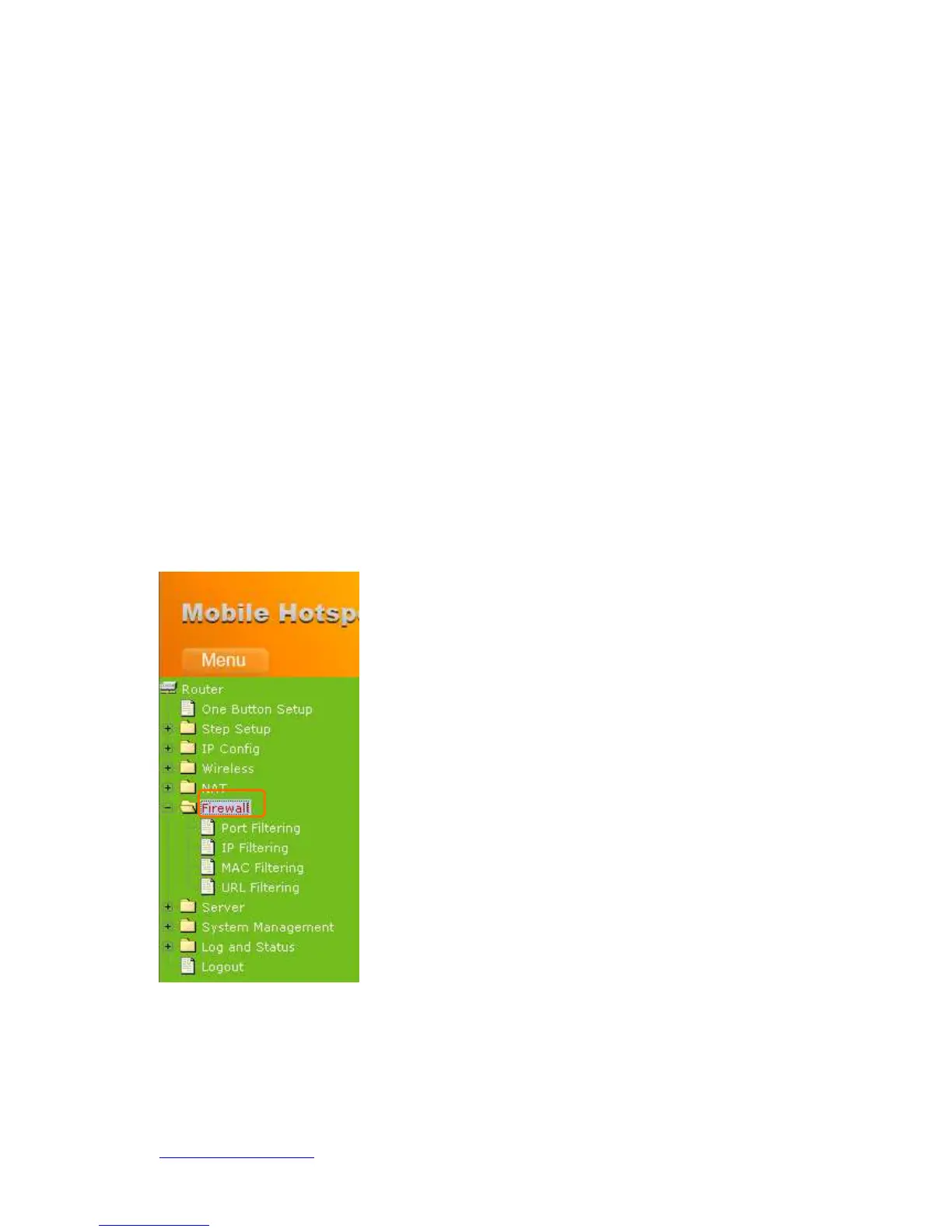
5.4 Firewall
The Firewall function helps to protect your local network against attacks from outside. It
also provides a way of restricting users on the local network from accessing the Internet.
Additionally, it can filter out specific packets to trigger the router to place an outgoing
connection.



 To Next Page