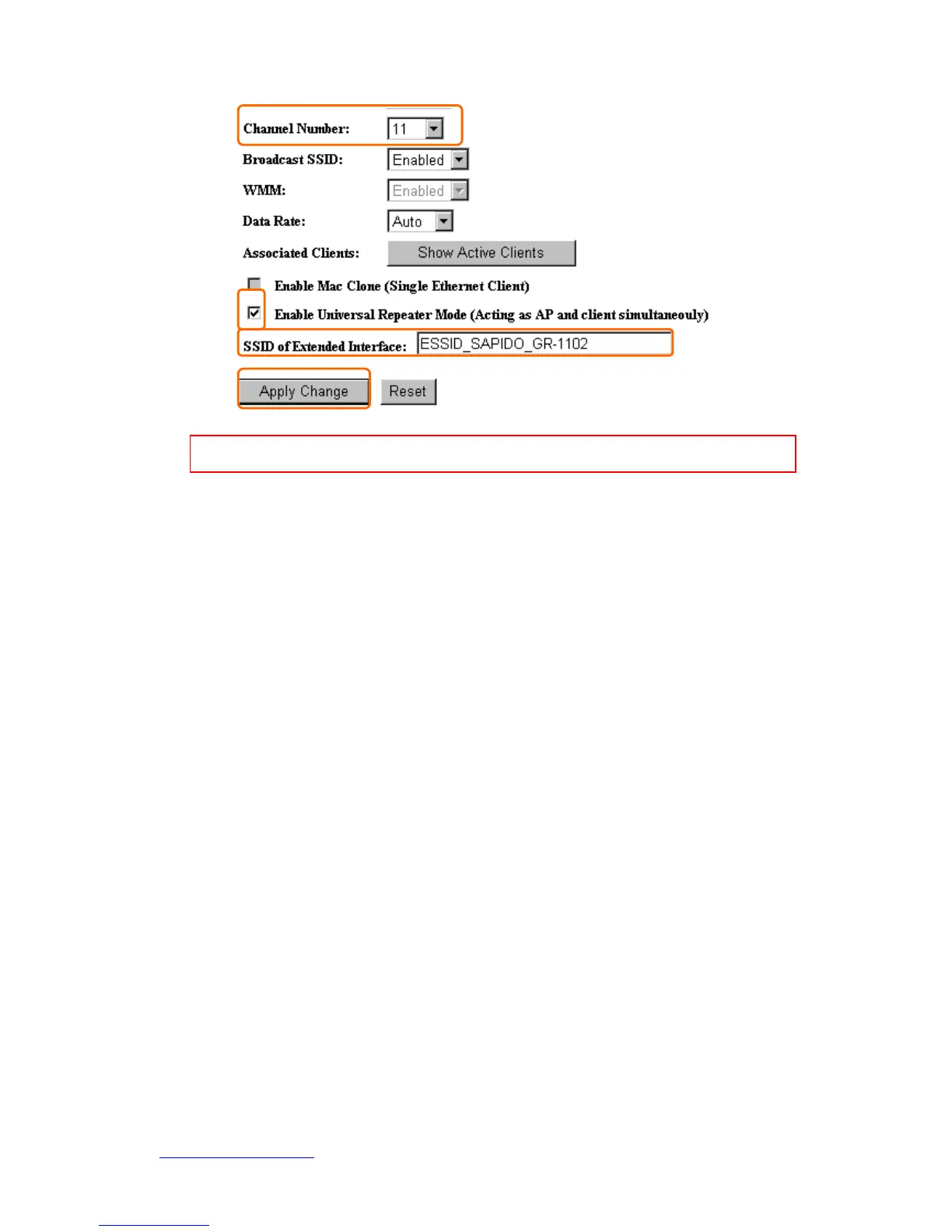
Note: The DHCP server should be disabled under menu “LAN Interface Setup” and then the URM
could be enabled.
14. SSID of Extended Interface
When mode is set to “AP” and Universal Repeater Mode is enabled, user should input
SSID of another AP (the upper level device) in the field of SSID of Extended Interface.
15. Apply Changes & Reset
Click on “Apply Changes” to save the setting data. Or you may click on “Reset” to clear
all the input data.
5.2.2 Wireless Advanced Settings
Please follow the instructions to configure the Wireless settings.



 To Next Page