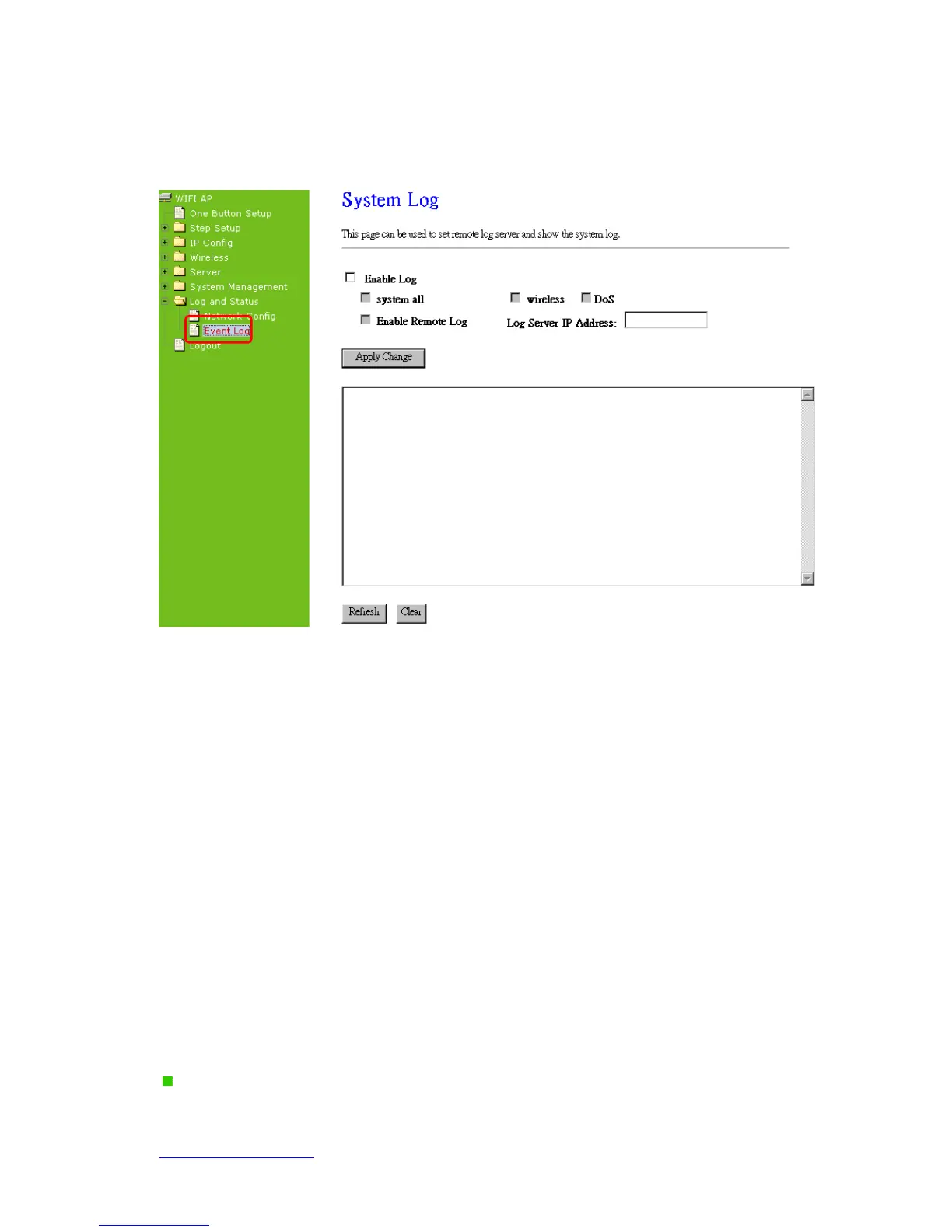
7.5.2 Event Log
N+ 3.5G Mini Server Router provides system logs for review.
1. Enable Log
Select Enable Log to record the system log
2. system all, wireless & DoS
Select Wireless, DoS or system all to record
3. Enable Remote Log
You may choose to enable the remote event log or not.
4. Log Server IP Address
Please input the log server IP Address.
5. Apply Changes & Refresh & Clear
Click on Apply Changes to save the setting data. Click on Refresh to renew the system
time, or on Clear to clear all the record.
After clicking Apply Changes to record the event log, it will be shown as the
example below.



 To Next Page