seconds between power-off / power-on condition.
2. Switching the mode while power is on will make the router crush, and cause the hardware damage
and information lost.
4.5 Basic Setup
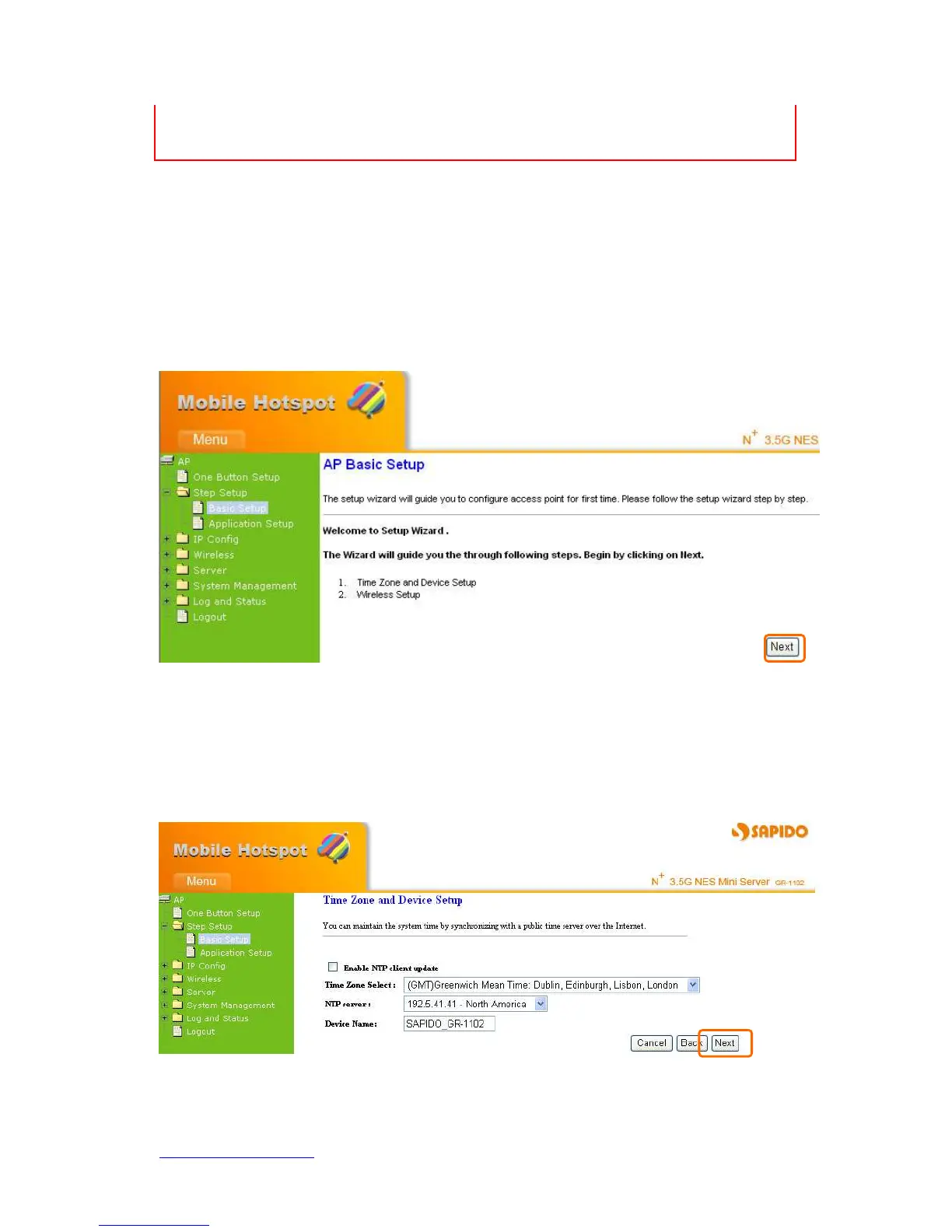
Click Step Setup on the left of the main menu. Then you’ll see the full functionality
selection screen appears and detailed settings for each item, including “Basic” and
“Application” two parts.
Click on Next button to go on next setting page.
4.5.1 Time Zone Setup
Select Enable NTP client update to maintain the system time.



 To Next Page