7. Delete Selected & Delete All
Click Delete Selected will delete the selected item. Click Delete All will delete all items in
this table.
8. Reset
You can click Reset to cancel.
Port Filtering
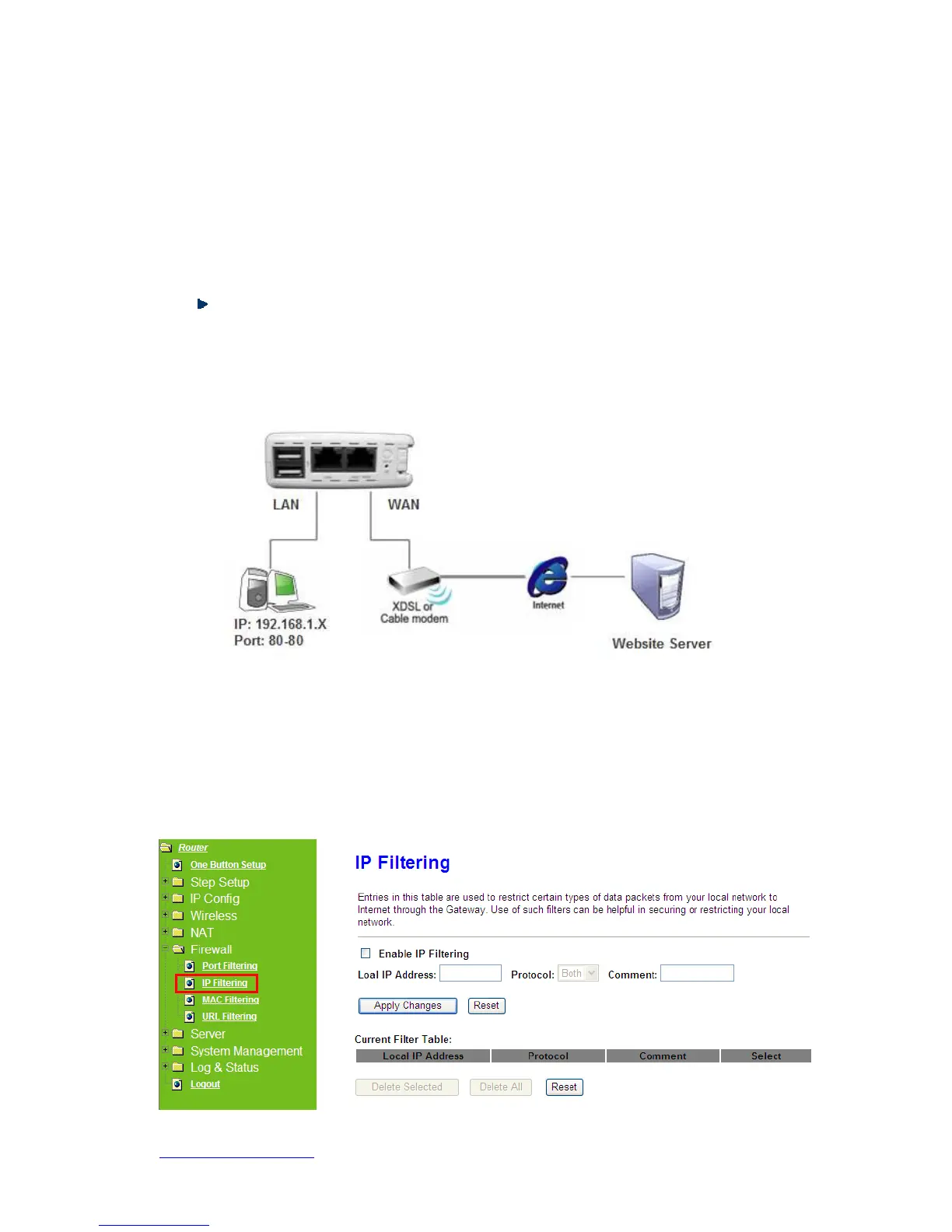
The following figure shows a user limits some applications to use the 80 port.
*All clients inside the local area network can’t open the 80 port through this router.
5.4.2 IP Filtering
Use IP Filter to deny LAN IP addresses from accessing the Internet. You can deny
specific port numbers or all ports for the specific IP address.



 To Next Page