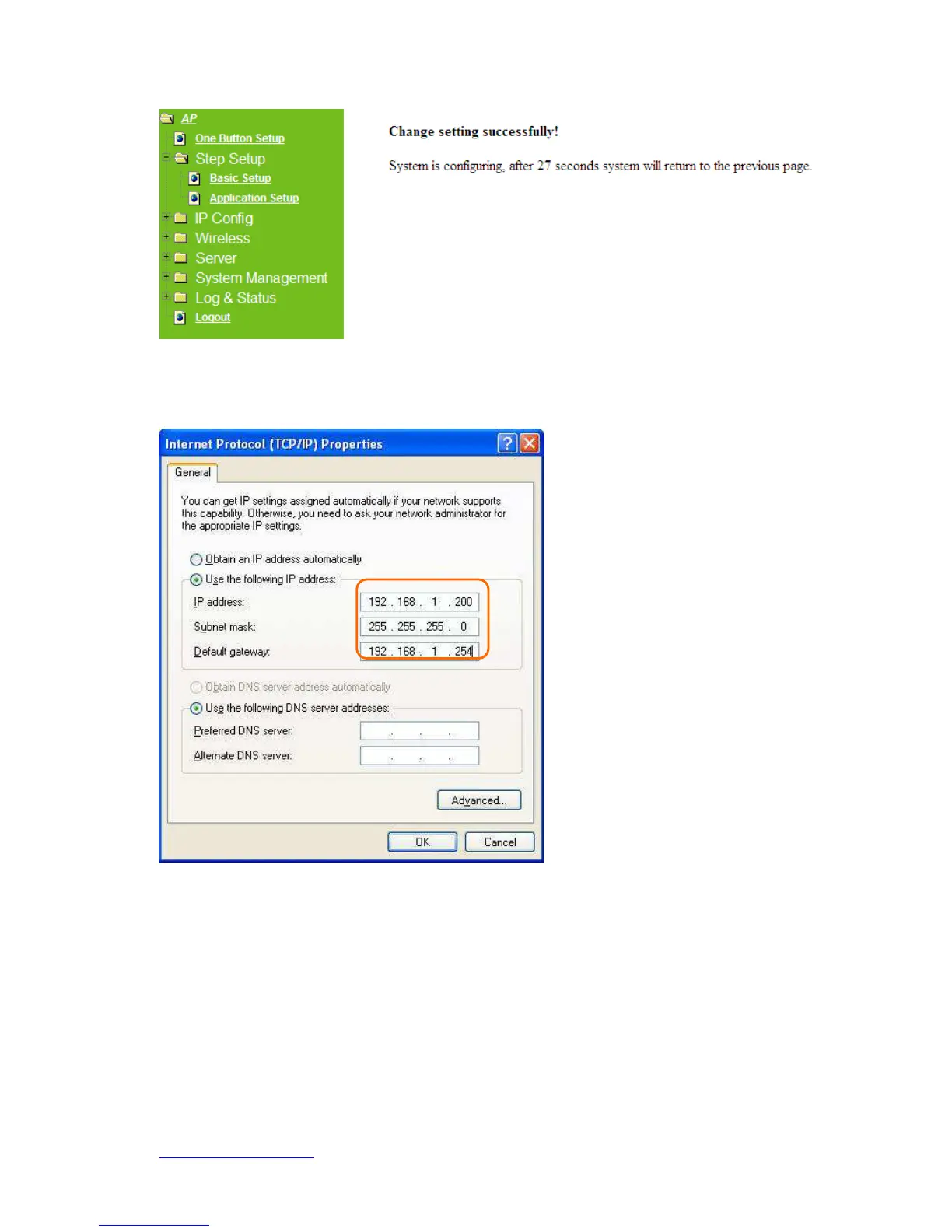
DHCP is disabled under AP mode. Please setup the static IP address after the
countdown is finished.
1) Open the LAN setup page.
2) Assign an IP addresses in the LAN setup page.
3) This IP address should be the same class as the default Gateway.
4.6 Application Setup full function table list
Open the router Home page again.



 To Next Page