clear all the input data. Or you may click on Refresh to update the system time on the
screen.
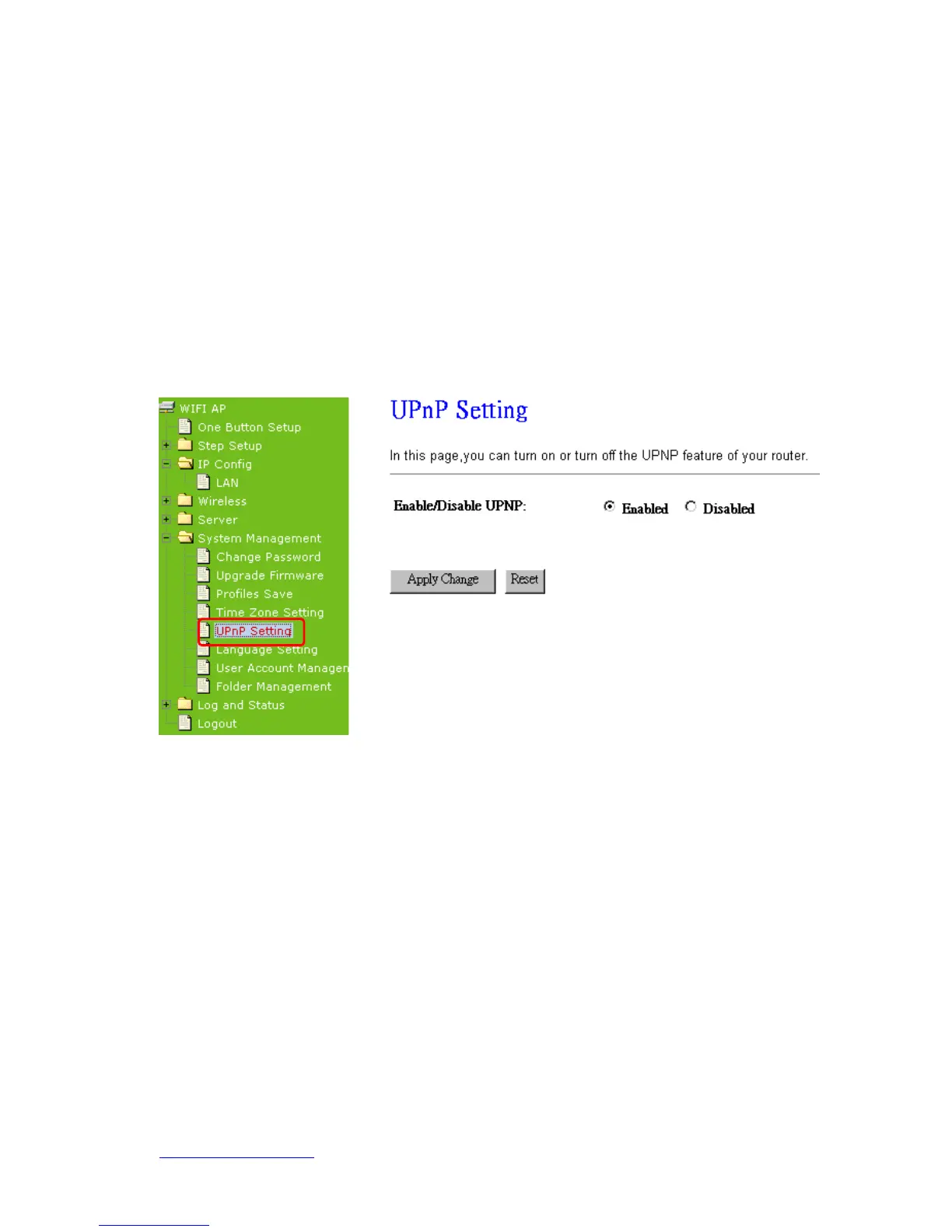
7.4.5 UPnP Setting
UPnP (Universal Plug and Play) allows users to connect their UPnP-enabled
broadband router, printer server and other devices right to the network with
zero-configuration, meaning easier setup for installing the device on the network. The
automatic discovery feature enables the device to obtain an IP address, present and
describe itself to other devices and PCs on the network without having to install drivers,
but to configure and use those devices.
After enabling UPNP, click My Network Places, and user can open the web GUI by just
clicking on the Internet Gateway Device icon.



 To Next Page