4.7 WiFi AP Mode
As WiFi AP Mode, N+ 3.5G Mini Server Router will be a bridge and supports a wireless
network. User can connect to this Router via Wireless and provide the lower level wired
or wireless internet connections. NAT function is disabled under WiFi AP mode. The N+
3.5G Mini Server Router connects the upper level device only through the Wireless LAN
and gets its assigned IP address. If not, the N+ 3.5G Mini Server Router will use the
default IP or assigned by the user.
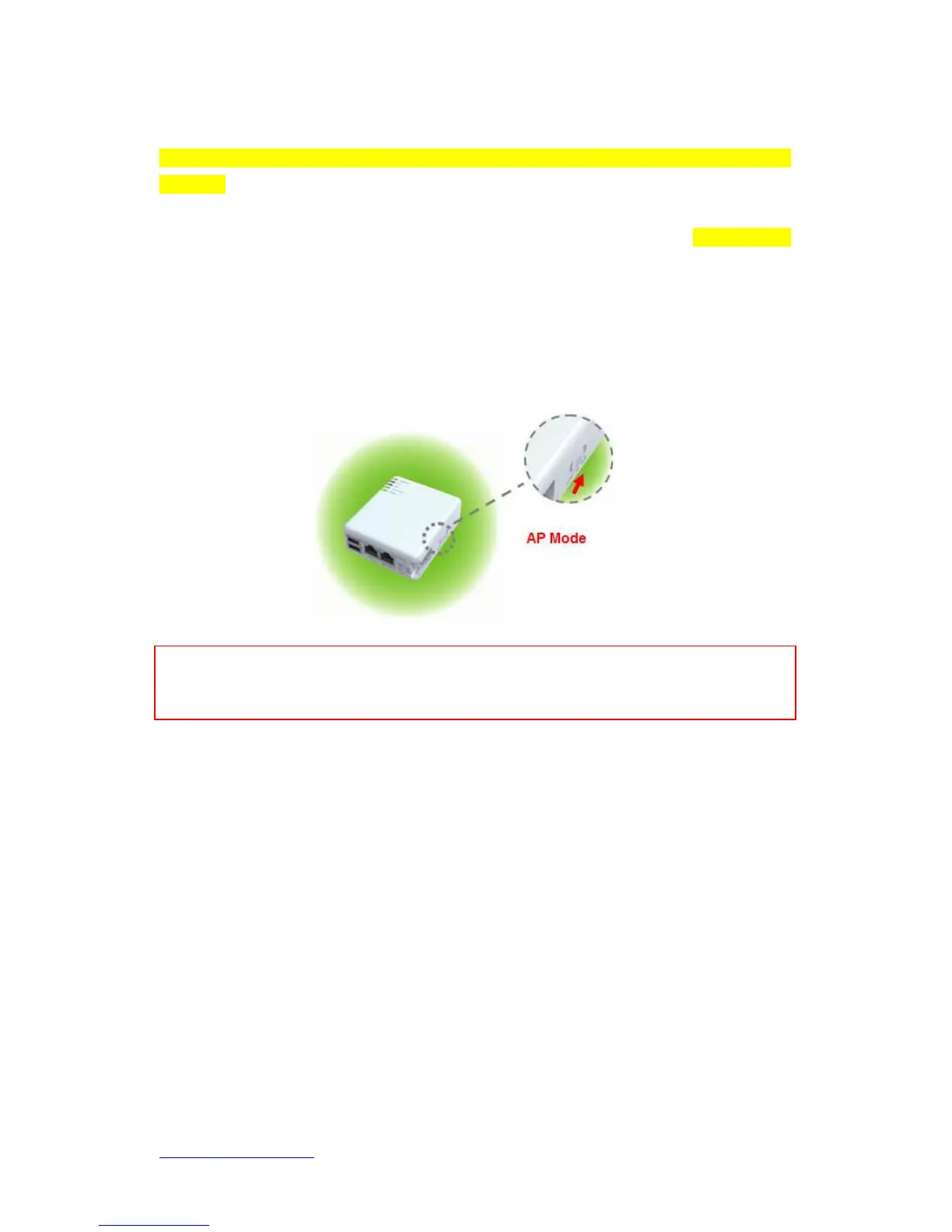
4.7.1 Switch to WiFi AP Mod
Switch to WiFi AP mode and plug in power.
Note: 1. Before sliding the switch modes, please power-off the router firstly. Moreover, please stay over 5
seconds between power-off / power-on condition.
2. Switching the mode while power is on will make the router crush, and cause the hardware damage
and information lost.
4.8 Basic Setup
Click Step Setup on the left of the main menu. Then you’ll see the full functionality
selection screen appears and detailed settings for each item, including “Basic” and
“Application” two parts.



 To Next Page