5. Current Access Control List
In this list, all the MAC info you input will be displayed.
6. Delete Selected and Delete All
Click on “Delete Selected” to erase the selected MAC address. Click on “Delete All” to
erase all the entered MAC Address.
5.2.5 WDS Settings
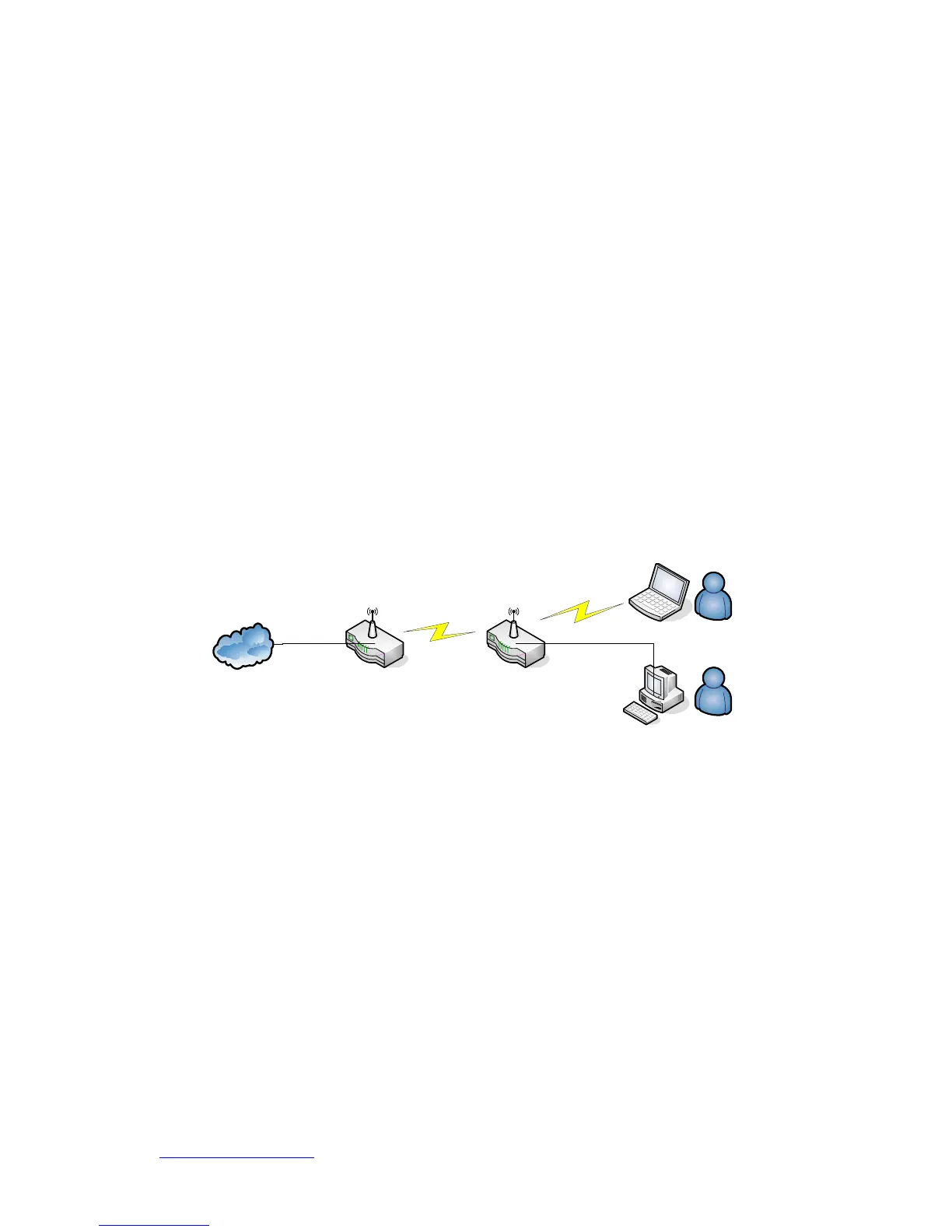
WDS (Wireless Distribution System) is a Wireless Access Point mode that enables
wireless bridging in which only WDS APs communicate with each other (without allowing
for wireless clients or stations to access them), and/or wireless repeating in which APs
communicate both with each other and with wireless stations (at the expense of half the
throughput).
Internet
AP Router
WDS
AP Router
WDS
Wireless Connection
Wired Connection
Please follow the instructions to setup WDS connections.



 To Next Page