the input data.
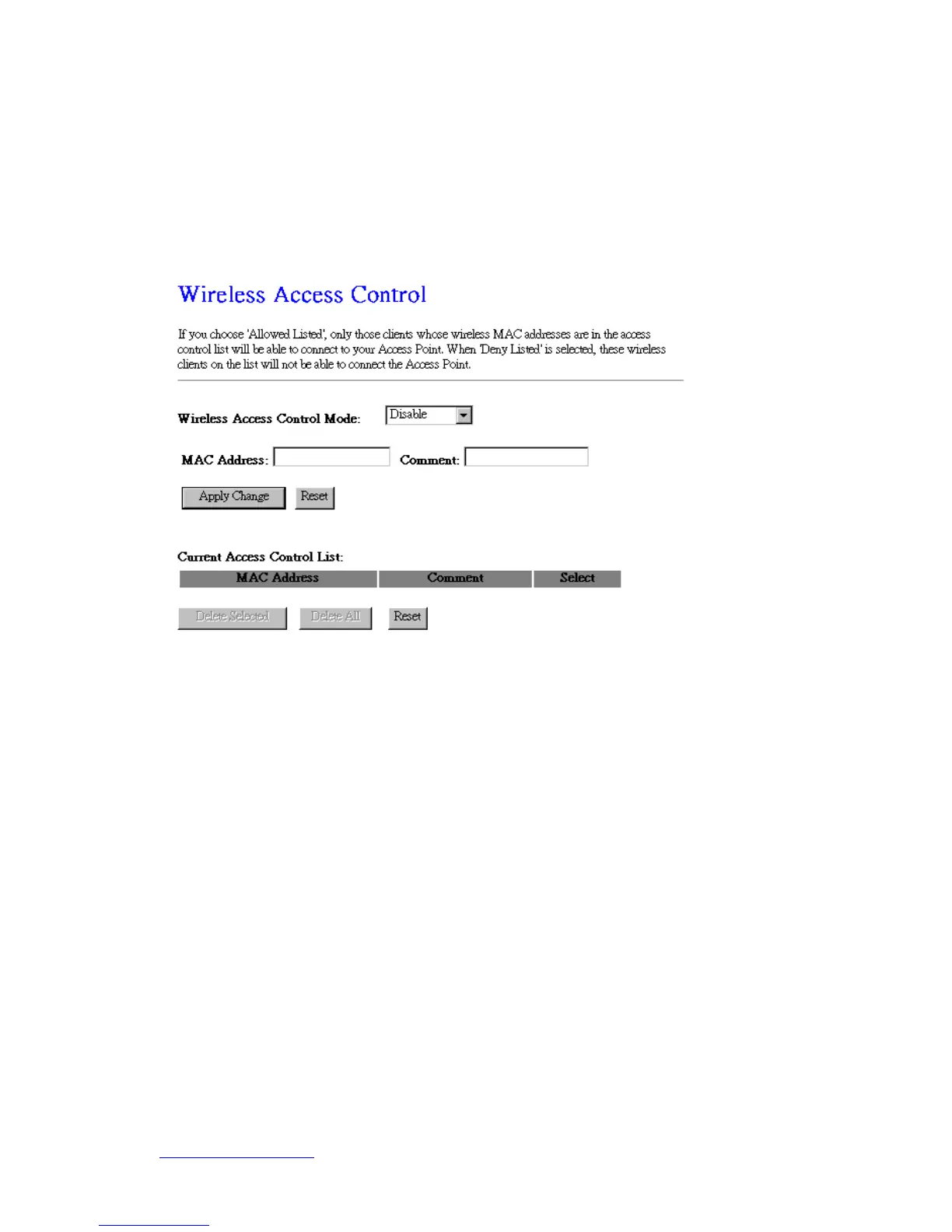
5.2.4 Wireless Access Control
With the MAC address, you may allow or disallow the access to your AP.
1. Wireless Access Control Mode
“Allowed Listed” means only the MAC address listed on the allowed list can access
to your wireless network.
“Deny Listed” means the listed MAC Address are not allowed to link to your
wireless network.
“Disable” for function disuse.
2. MAC Address
Please input the allowed or denied MAC address, for example, 001122334455.
3. Comment
You may input the comments for the set MAC Address.
4. Apply Changes & Reset
Click on “Apply Change” to save the setting data. Or you may click on “Reset” to clear all
the input data.



 To Next Page