Time Zone Select: Select your time zone from the Time Zone drop-down list.
Change Password: For changing password, please fill the password information
into the blank.
Device Name: Name your device here.
Wireless Setup: Define the SSID, and Encryption type.
Partition / Format SysDisk: To partition/format your USB disk, please select Yes
and the type.
User Account Management: Set up users’ accounts and access control.
Finished: Please click finished button to complete the setting.
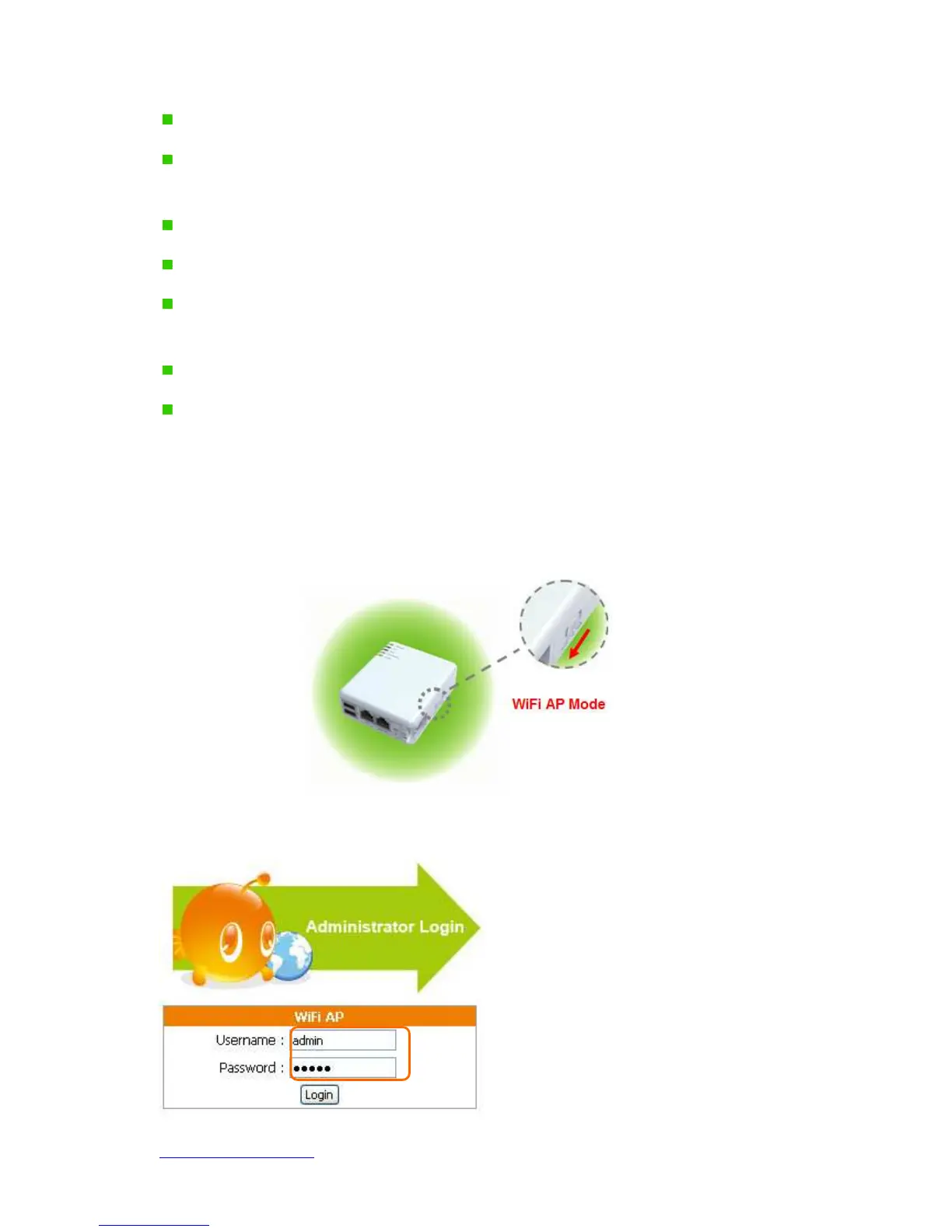
3.3 One Button Setup configuration for WiFi AP Mode
Step 1.
Please switch to WiFi AP mode and plug in power.
Step 2.
Click the Internet Gateway Device to open the login page.



 To Next Page