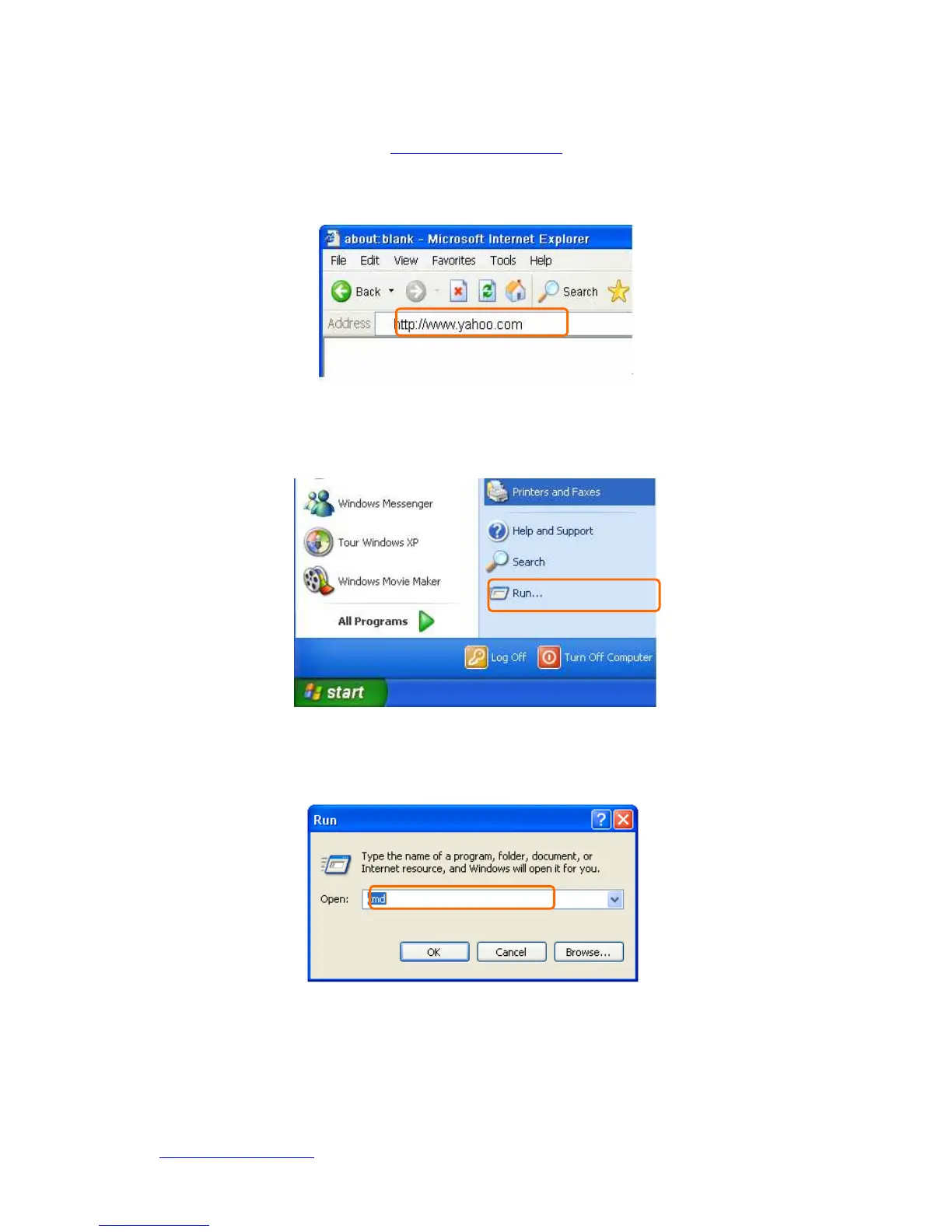
Open an Internet Browser, such as Internet Explore or Netscape. Input a valid web
address you like, for example,
http://www.yahoo.com
in the web address blank and
then press enter. If the website appears, that means your Internet is working under
normal situation.
1.5.2.1 Testing with DOS (Windows XP Platform)
Step 1. Go to start > Run.
Step 2. Input cmd in the blank, and then click OK button. The Command Prompt
window appears.
Step 3. Input ipconfig in the flashing area then press enter. You will get an IP Address
192.168.1.100, for example, and Default Gateway as 192.168.1.1.



 To Next Page