5. Remote FTP user
Enter the user’s name you like and it will be used to save the webcam image into the FTP
server.
6. Remote FTP password
Put in a password for validation while accessing.
7. Remote FTP Directory
To provide option of which folder should be used for saving webcam image.
8. Back:
Click on Back button for returning to Webcam Basic Setup screen.
9. Apply & Cancel
Click on Apply button to continue. Click on Cancel button to clear the settings on this
page.
7.3.3.3 Application for Web Camera
1. Web Camera Monitoring Application
Monitor your home or take pictures with a Webcam via N+ 3.5G Mini Server Router; one
can set up the monitoring or recording of all images into the USB HDD for reviewing.
Often marketed as surveillance tools for home or office security; network Webcams are
now being employed by early adopters for more personal matters, such as watching kids
and monitoring pets. The Webcam can be remotely accessed and controlled via a
browser. In addition, record and monitor live actions with USB webcam; then view the
image through Internet browsers or 3.5G mobile phones.
01. Web Camera Monitoring via WAN connecting
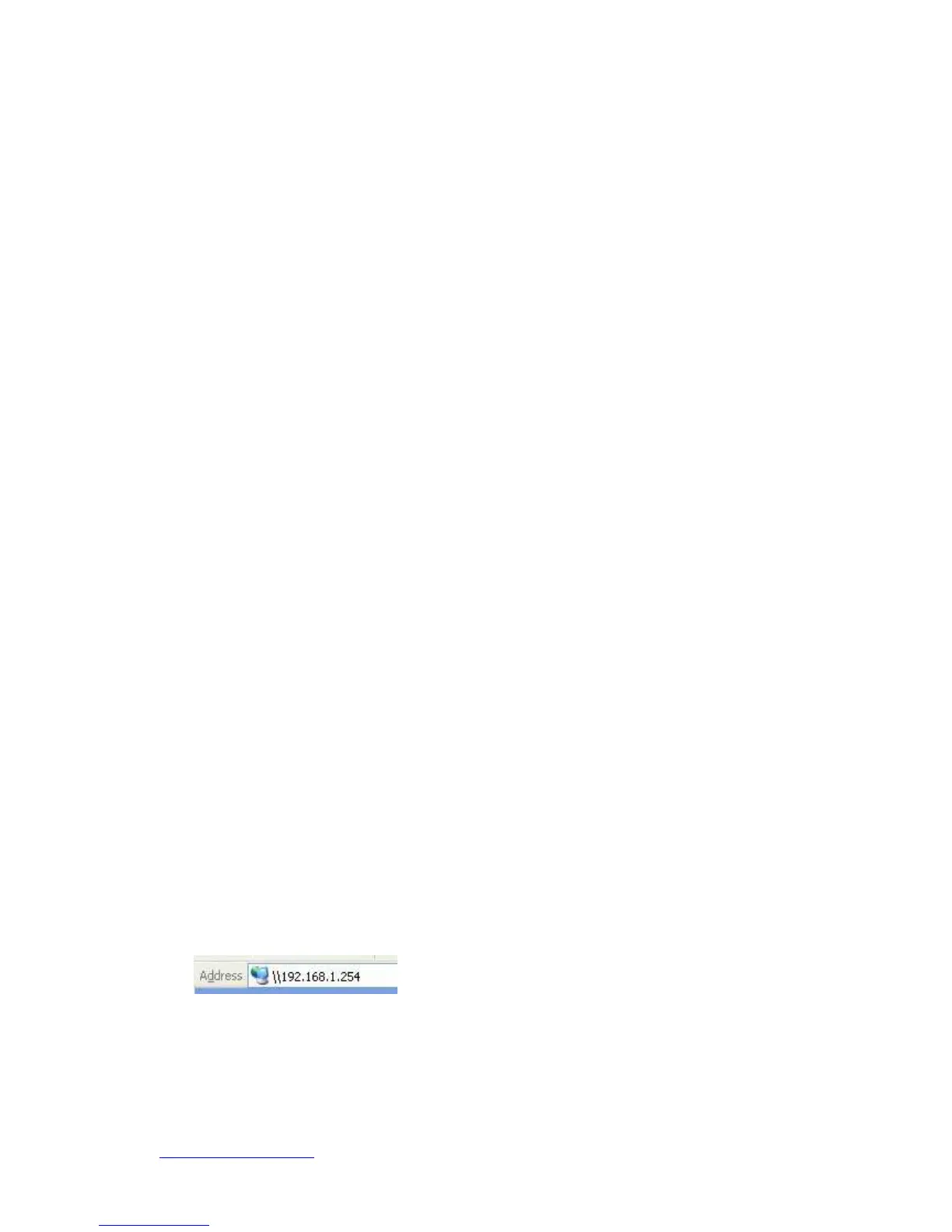
Input IP address 192.168.1.254 into browser blanks.
You will see the personal account login screen appear. Click on Personal Panel to
enter, and then input your own user account and password.


 To Next Page