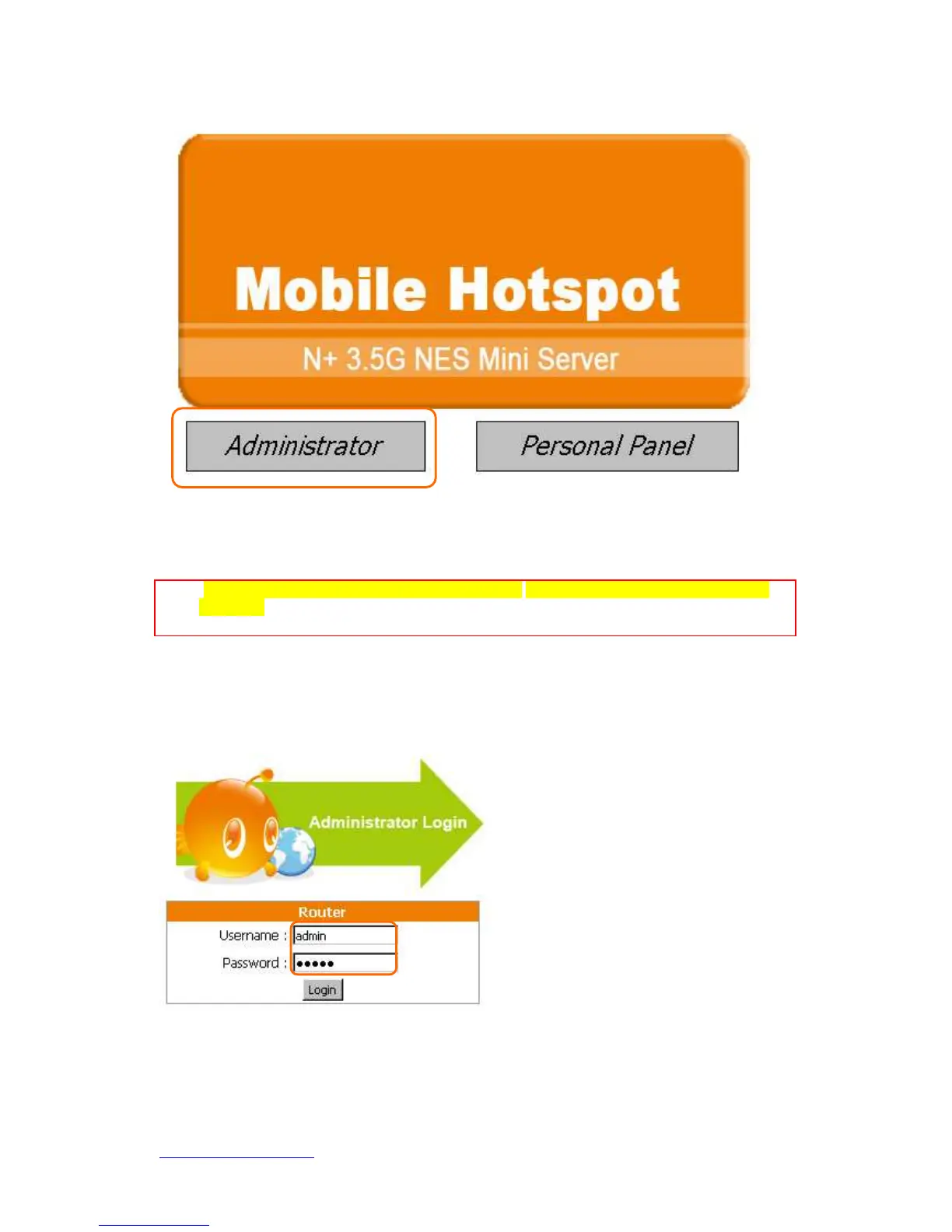
Please click on Administrator button to log in setup at first time, also any settings can be
changed in the future. Only the Administrator has the right to modify all settings.
Notice: Only the password can be changed, please read setup “3.2.5 Password Setup” or “3.6.2 Change
Password”. In order to protect your own settings, it’s strongly recommended to change the password
before you finish the Router Basic Setup.
The default values for User Name and Password are admin (all in lowercase letters).
Click Login to enter.



 To Next Page