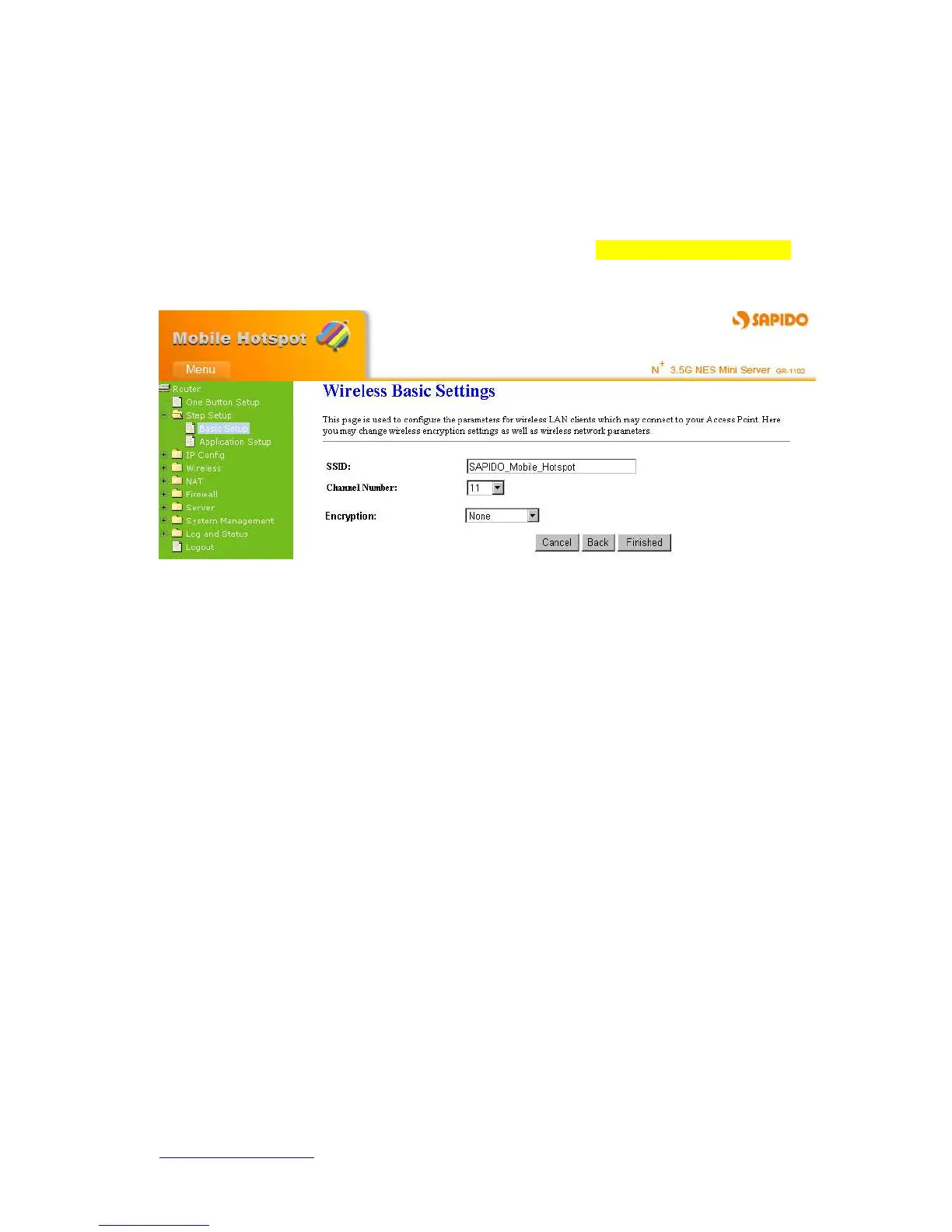
4.2.3.8 Wireless Setup
First step is to name your SSID, and the default value is SAPIDO_Mobile_Hotspot.
Please follow the illustrations below to proceed.
4.2.3.9 Wireless Security Setup
The security function is provided to prevent the connection requests from unauthorized
wireless clients. As the Encryption Type, select WEP or WPA can protect your data from
eavesdroppers, if you do not need the encryption, select “None” to skip the following
setting.



 To Next Page