Sapido Technology Inc. www.sapido.com.tw
47
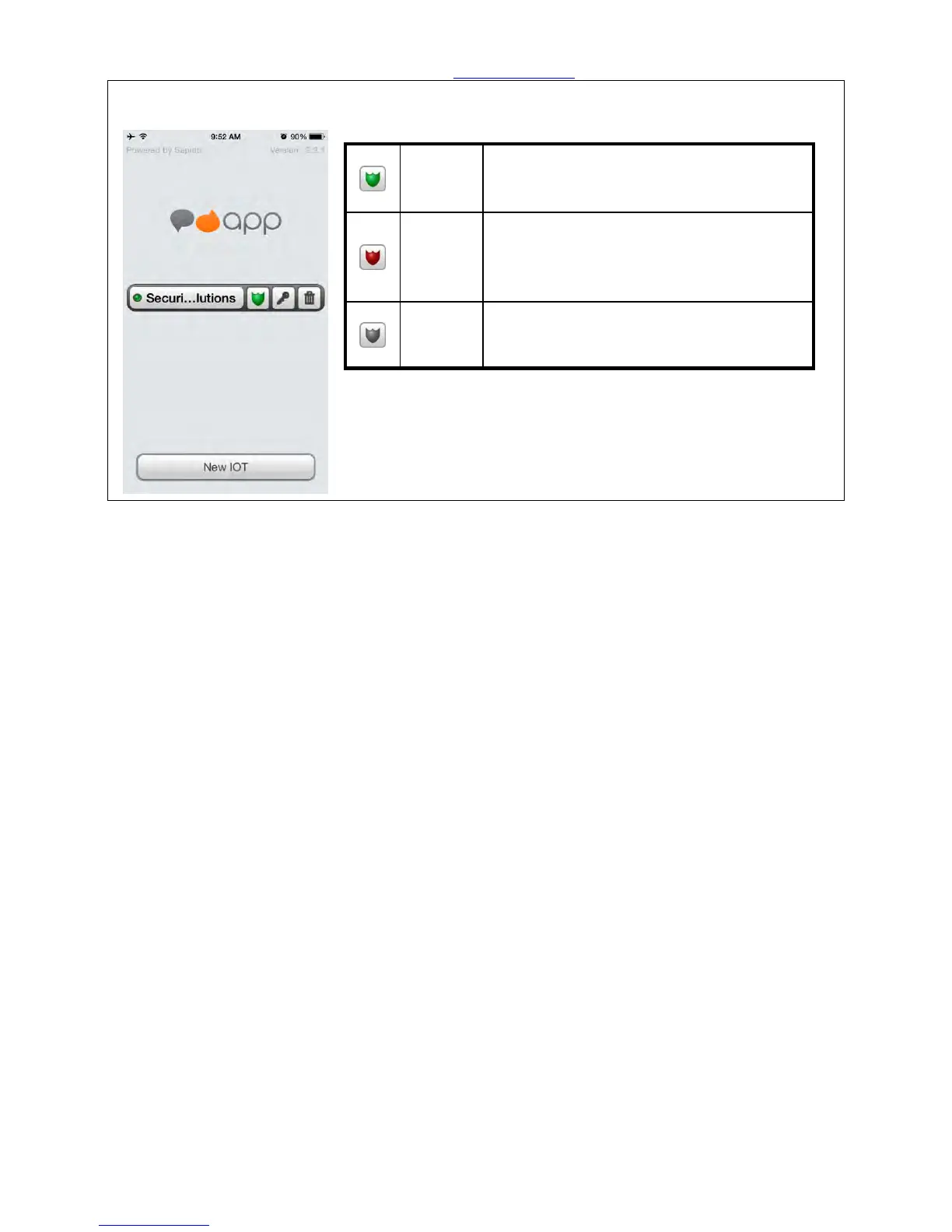
Step 35. Please turn on WiFi to connect the Home Gateway (GR267c) to control the security
system.
Once you are sleeping or go out, please set
the shield as green, which represents the
security system is working.
When the security system was triggered,
the shield will turn red. Click the shield
from red to green to turn off the alert
sound and stay security mode.
To click the shield to turn gray represents
turn off the security system.



 To Next Page