Sapido Technology Inc. www.sapido.com.tw
15
1.3 Hardware Installation
1.3.1 Wi-Fi Application Instruction
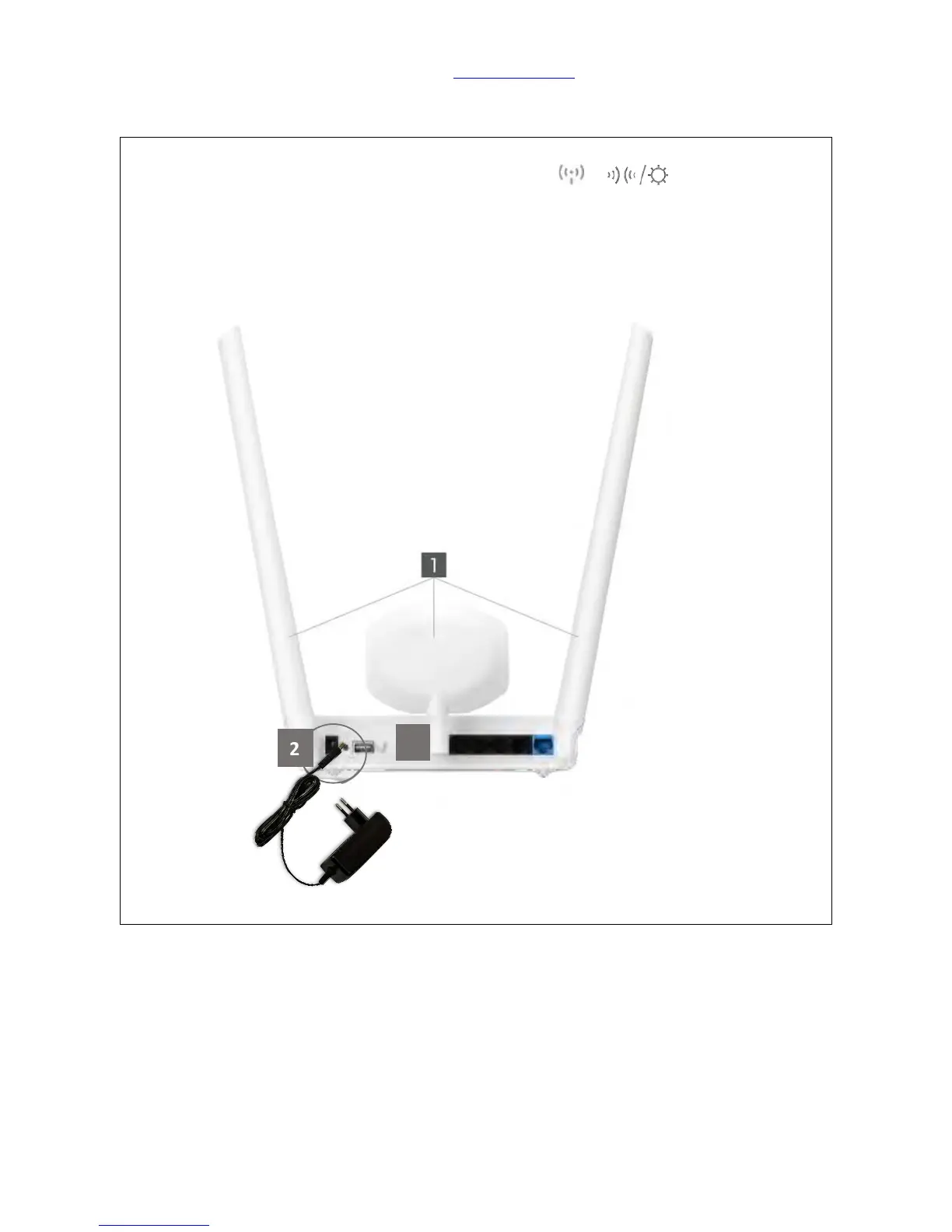
Step 1. Plug in first [2], install both Antenna on Home Gateway (GR267c) [1], and press the
white button [3] to start up. Wait for 30 seconds and both ( )/ ( ) turn on means start
up successfully.
11ac Home Gateway(GR267c) is the main router of your SH106+, which with two
different Antennas (one is supported 7dbi, the other one is supported 5dbi) to remain
the quality of WiFi transmission function. The SH106+, which is combined Security Kit
(CS101x), IP Cam (IPJC2n), and Smart Switch (WSG70n), as a package.



 To Next Page