Part B: Performing the analysis
Step Key (or instruction) Display/Printout
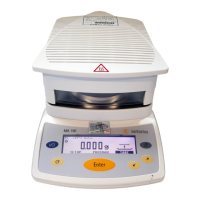
1. Turn on the moisture analyzer e Sartorius logo is displayed
Self-test runs
2. Prepare the sample: Not necessary
with corn starch
3. Open sample chamber and position
a new sample pan
4. Tare the sample pan:
Select the
TARE function y or x as needed
and confirm u
5. Distribute approx. 2 g of corn starch
evenly on the sample pan
Close sample chamber
6. Start the drying program u
The analysis report header is
printed after a delay of 2 seconds
(printout: see next page)
29
PROGRAM
P1 130
o
C Auto.
S
0092
g
TARESETUP
PROGRAMM
P1 130
o
C Auto.
S
0002
g
TARASETUP
PROGRAMM
P1 130
o
C Auto.
S
2036
g
STARTSETUP
2036
PROGRAMM
P1 130
o
C Auto. Delay 2sec
S
g
TARASETUP
2036
PROGRAMM
P1 130
o
C Auto. Verzög. 2sec
S
S
g
TARASETUP


 To Next Page