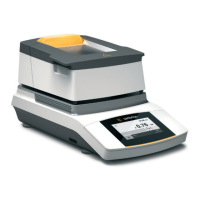
Operating the Moisture Analyzer
Setting the Language
The default language for the display text is English.
To change the language, proceed as follows:
t Select the menu key at the bottom left of the main screen on the display.
y The menu is displayed.
t Select the
i (Setup) button in the menu.
y The Settings window appears.
t Select Language or the top entry in the list.
y The Language settings window appears.
t Select the desired language, such as Deutsch (German).
t Select l to confirm.
y The display changes directly to the desired language.
t Select o to return to the menu.
Moisture in %M
Standard drying 105 °C
Standby temperature -
Initial weight -
End Fully automatic
Target value -
No automatic printout
Settings
Language
Date and time
Device information
Calibration/Adjustment


 To Next Page