X
X
-
-
M
M
i
i
n
n
d
d
D
D
C
C
3
3
3
3
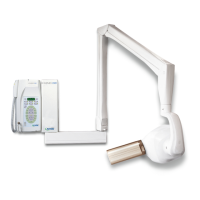
The control panel is the user's interface, from which the operator can:
use the keys
to select the operating parameters
to change the exposure times displayed
to store the new customized exposure times
use the “green LED” light indicators
to check the timer operating conditions
6. CONTROL PANEL


 To Next Page