Currency Discrimination Fitness Sorter SB - 2000 Service Manual
31
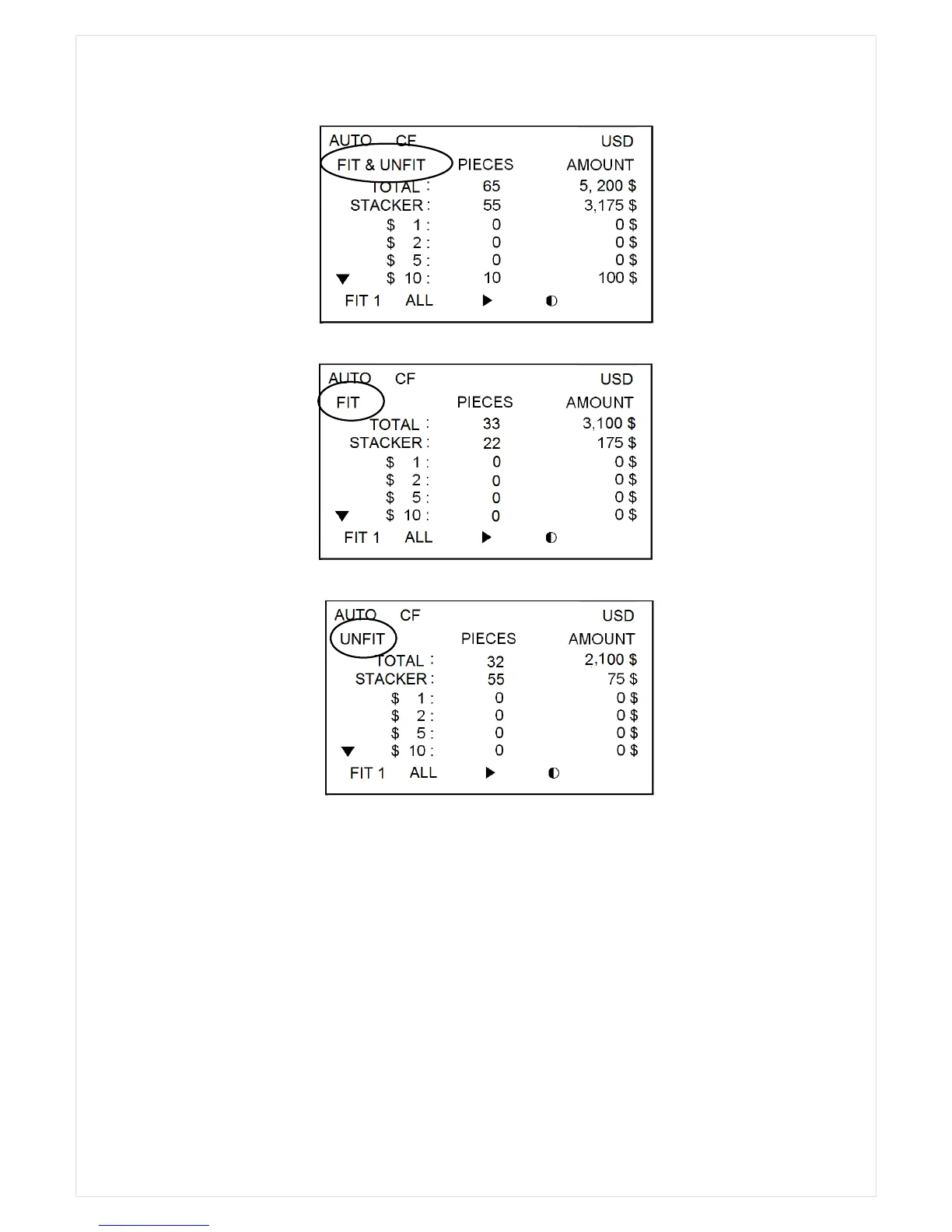
3. Detail View (TOTAL)
4. Detail View (FIT)
5. Detail View (UNFIT)
For the second example, the picture shows the reasons of the rejected notes; the first note was
rejected by the reason of NO I.D and the second note was rejected by the reason of ‘CF UV’, next
‘CF UV’, etc.
The ‘Down’ arrow in the picture means that there are more to the list, and you can see rest of the
list by pressing DOWN (∨) key.
In Reject reason view, detailed ‘unfit’ reason(s) is(are) displayed as following figure if Enter key is
pressed after selecting specific rejected banknotes with Up(∧)/Down(∨) key. (For instance, below
figure shows 5
th
rejected banknote is detected as unfit notes under the reason of Soil and Tape.)



 To Next Page