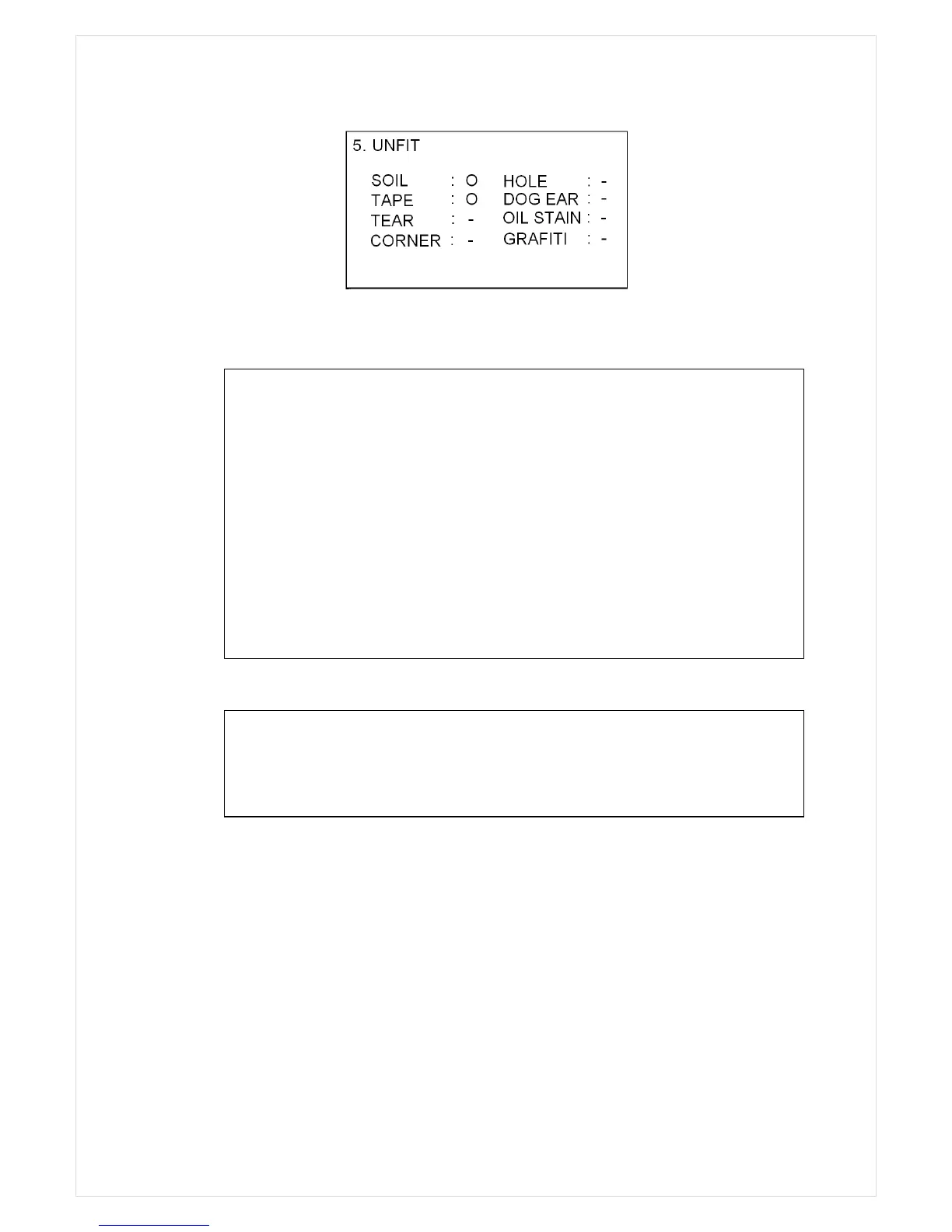
Previous page (Reject reason view) is displayed by pressing MENU key, and get out from menu
with CLEAR key.
Grand Total
Grand Total is a total of printed counting amount. When you start printing the counting result by
pressing PRINT key, then the value is added to Grand total and automatically the machine displays
the number of deposit and G TOTAL. Even though a printer is not connected, this operation will be
done because the machine does not check whether a printer is connected or not.
The grand total is managed separately in MIXED and SINGL mode, namely there are two grand
totals. You can see only one grand total at a time: for example in SINGL mode the display will show
Summary of the Reject Reasons
NO I.D. : The machine failed to identify the denomination.
NO READ : The note was not successfully read.
OVERRUN : The next note was fed too close to the first note.
CF : The note was suspected to be counterfeit by UV, MR, IR Sensors
UNFIT : The note detected as soiled or worn in FITNESS Mode.
STAY NOTE : The note was not fit to the condition of sorting.
DOUBLE : More than two pieces of notes were fed into machine
CHAIN : Chain Error
HALF : Half Error
CAUTION
If the reject reason is Chain or Double, the number of the rejected notes displayed on
LCD, can be different from the actual number of notes in the reject pocket.



 To Next Page